Your PC, your cloud
Phone storage full? Move your downloads and messenger files to your home PC
PC: Windows 11, 64-bit · 58 MB zip · Phone: Android 11 or later
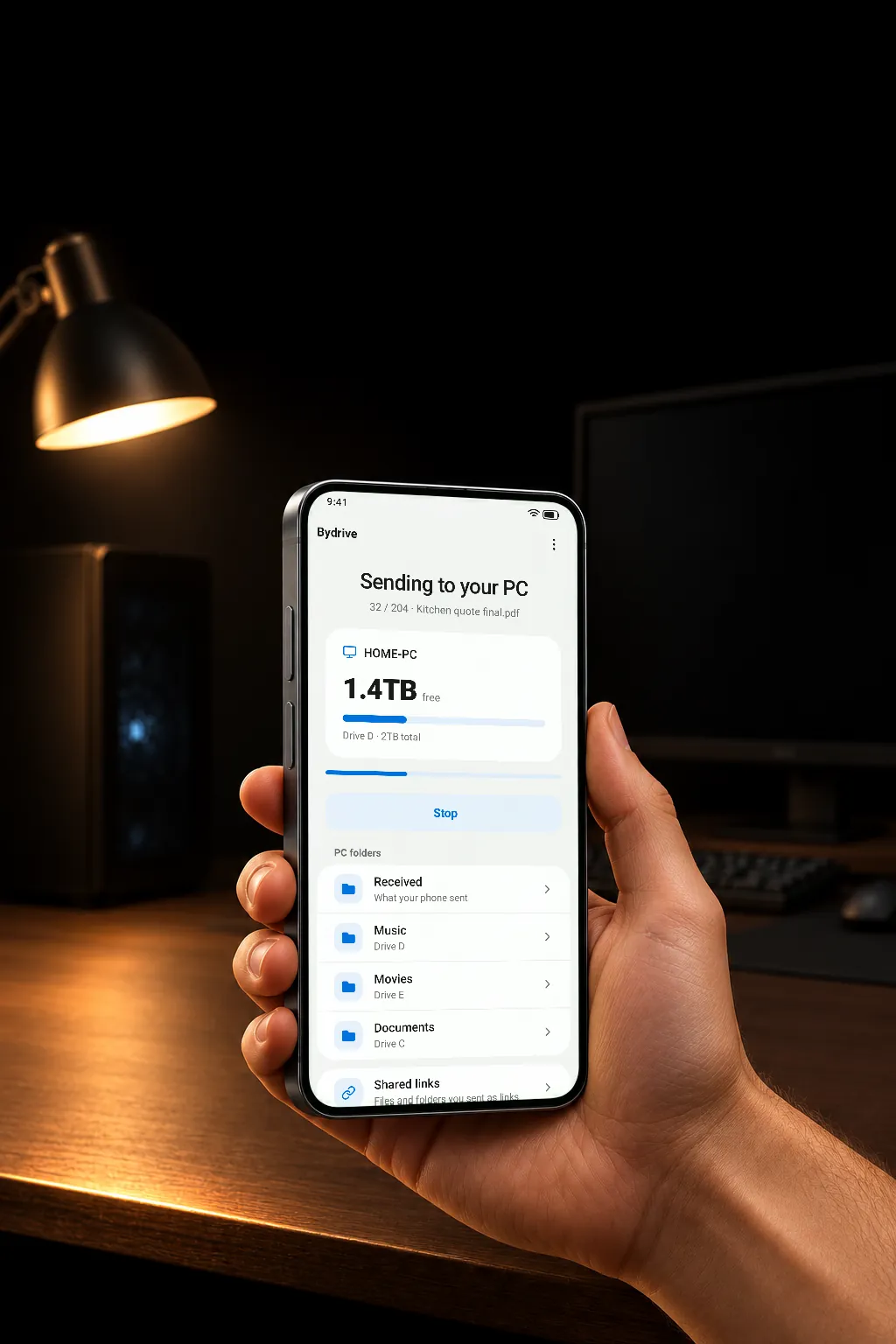
New files, sent
To your PC, every time you’re on your home Wi-Fi
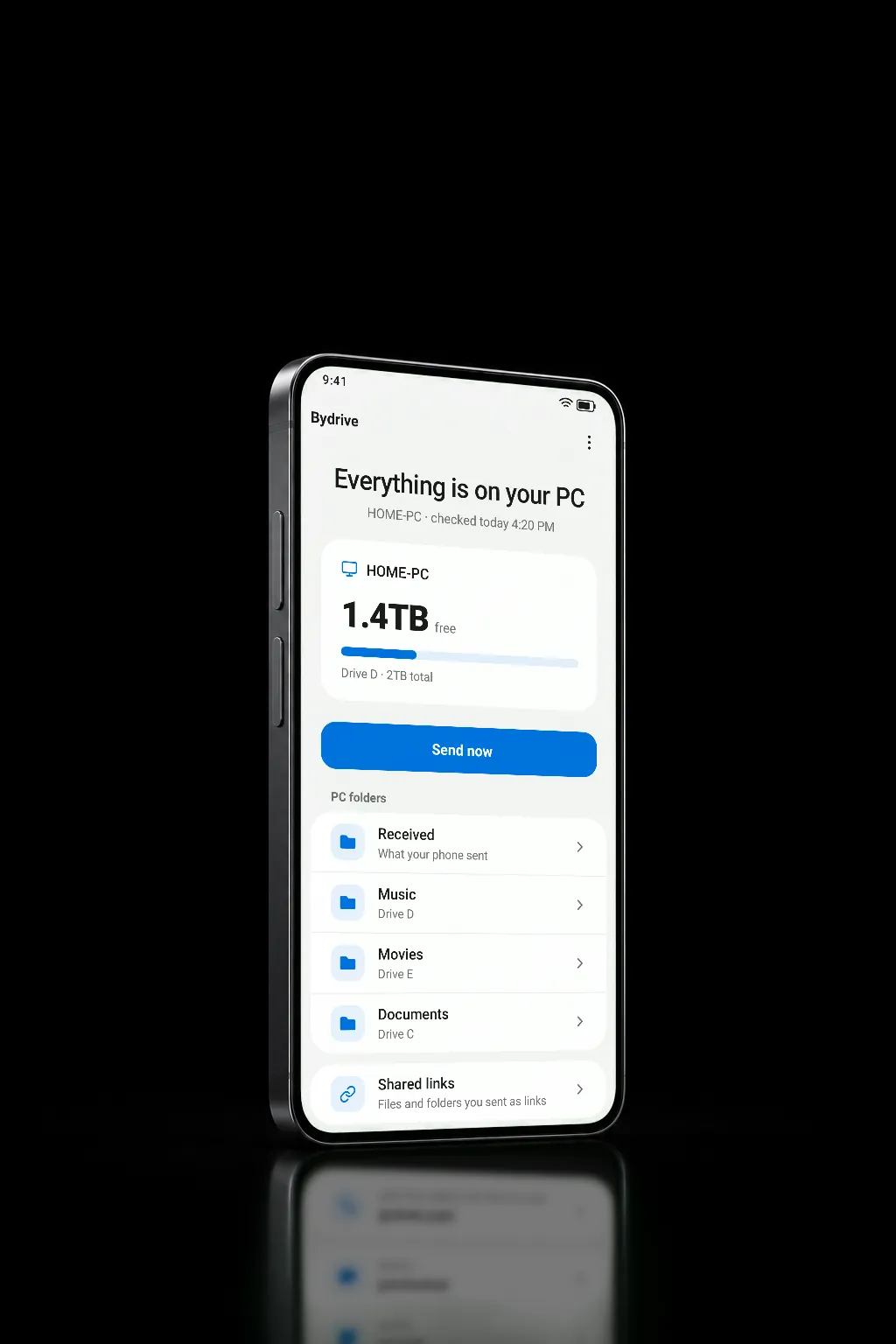
Home files, at work
Get just the files you need
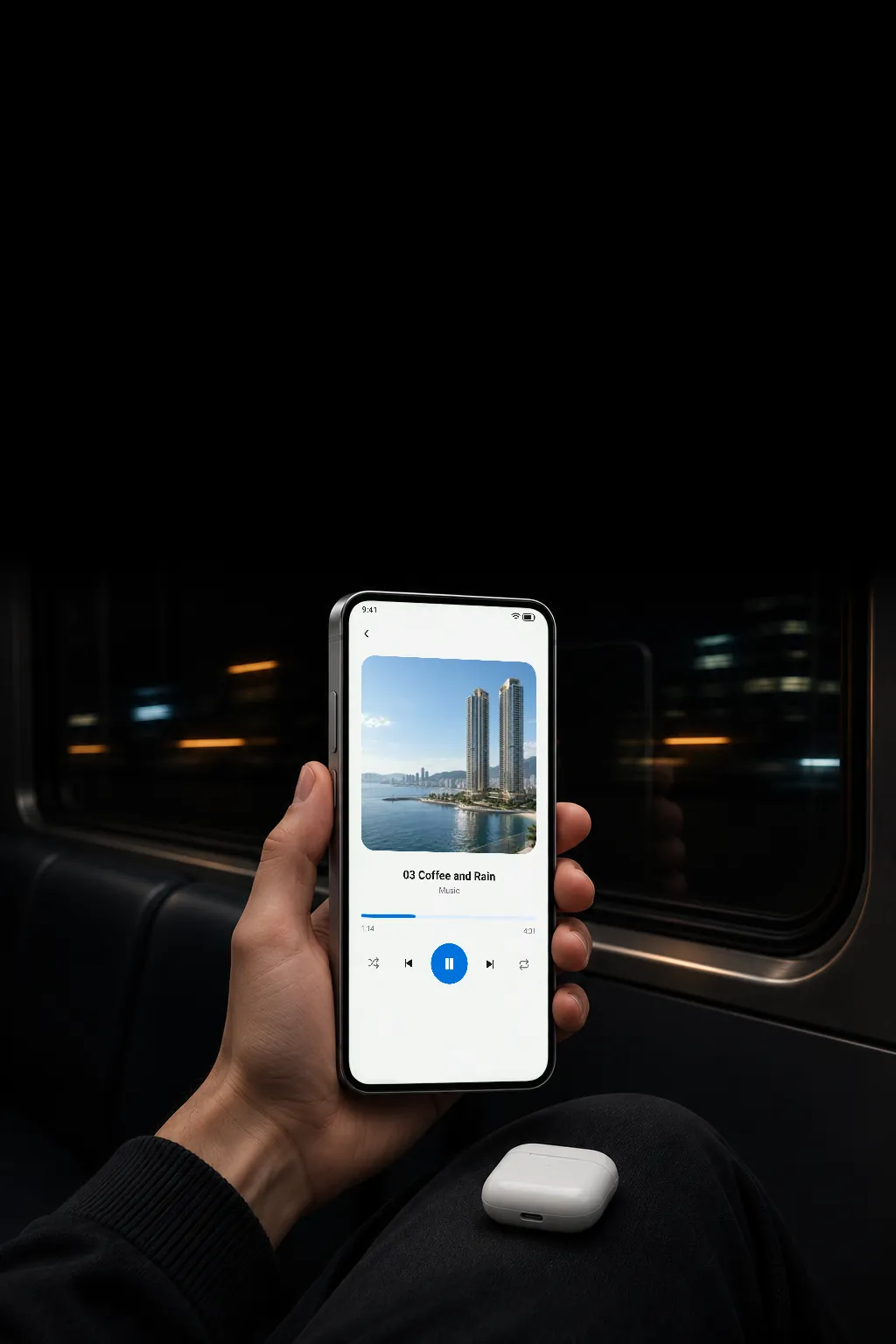
Your PC’s music, on the way home
Keeps playing with the screen off
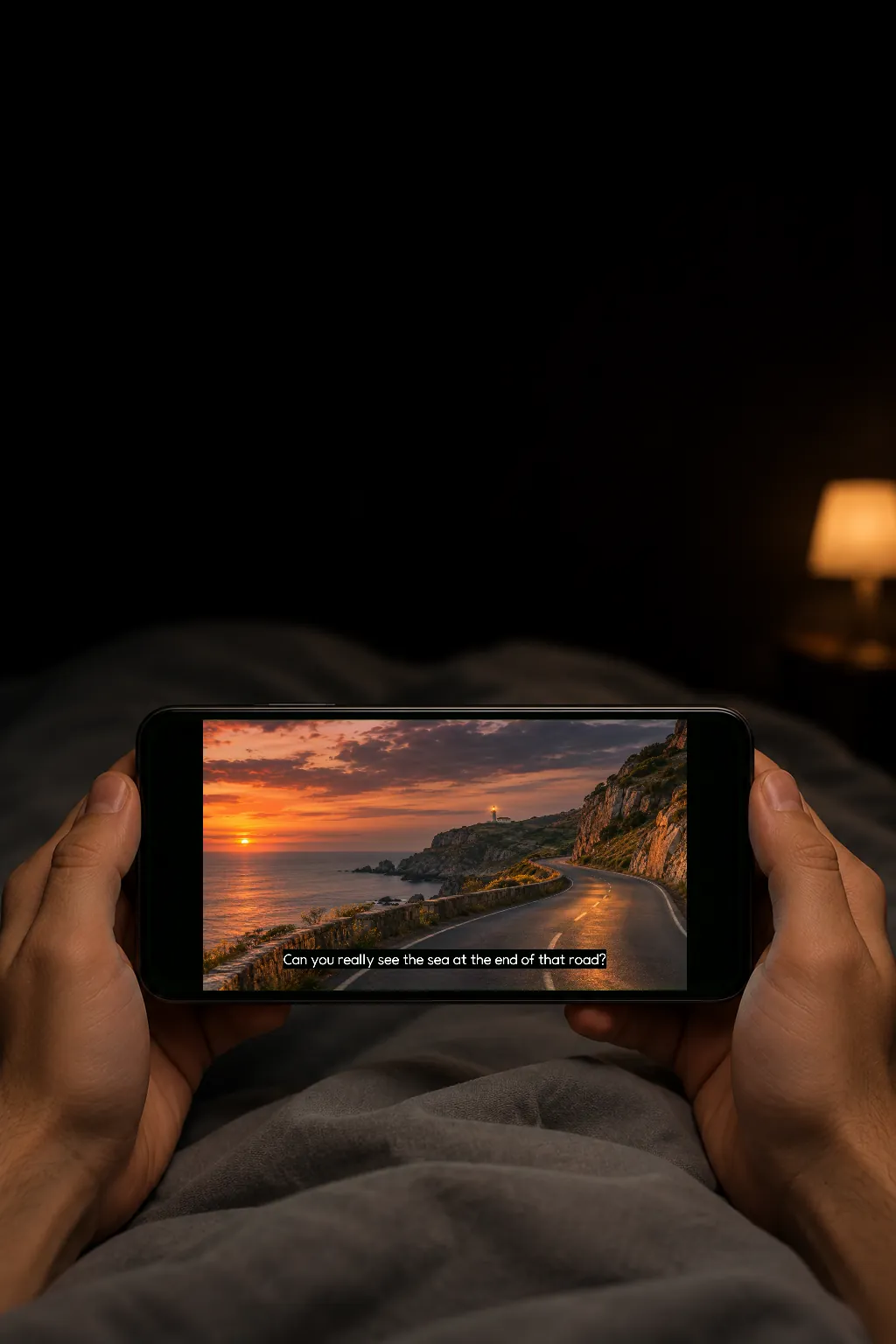
Movies, with subtitles
They start right away, subtitles and all
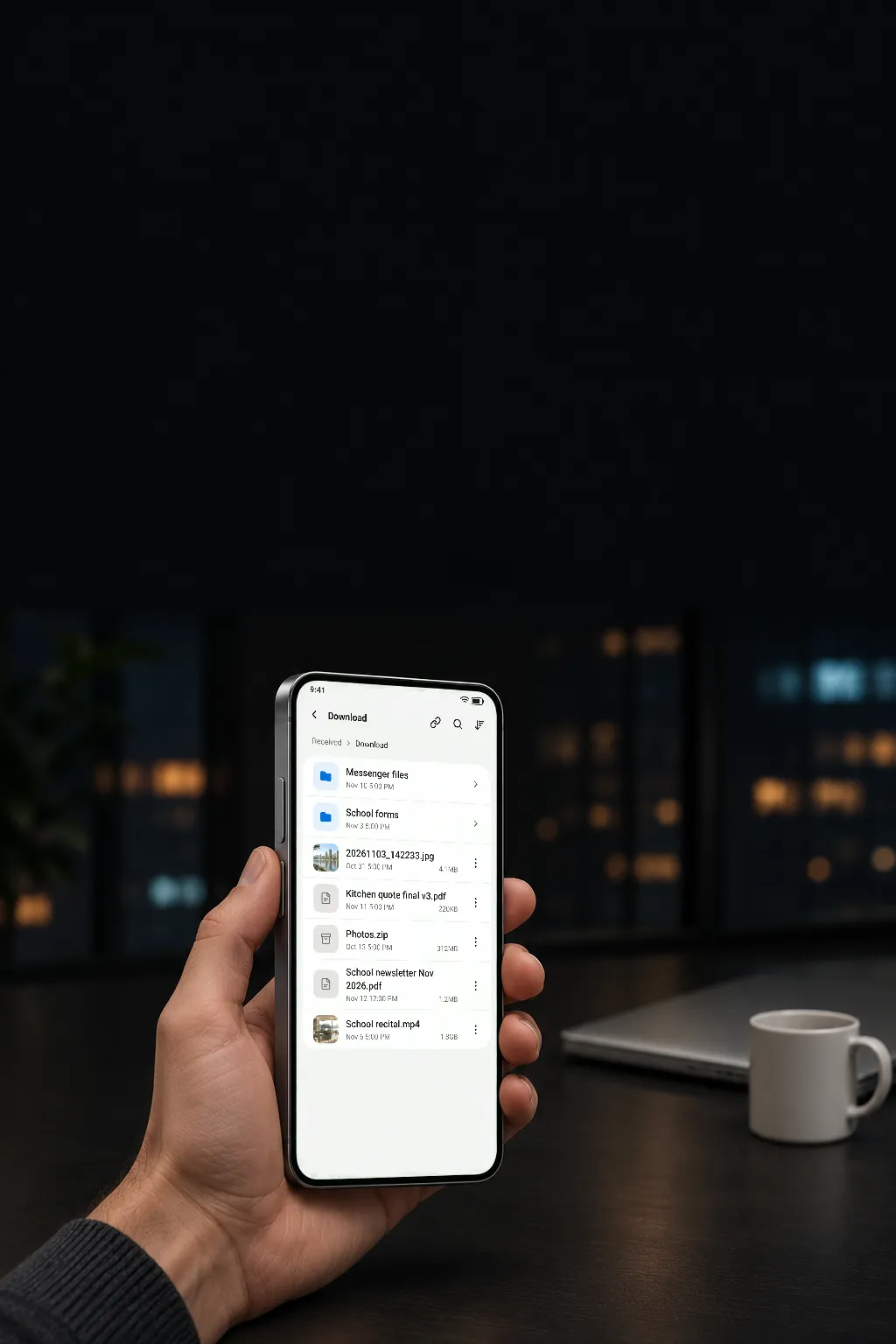
New files in your phone's Download and Documents folders go to the PC. Files from messenger apps are in there too. You can pick more folders to send.
Files on the PC stay there. When you change a file on the phone, the PC keeps its earlier version for 30 days.
If sending a big file is cut off, it carries on from where it stopped. If nothing could reach the home PC for more than 3 days, the phone tells you once.
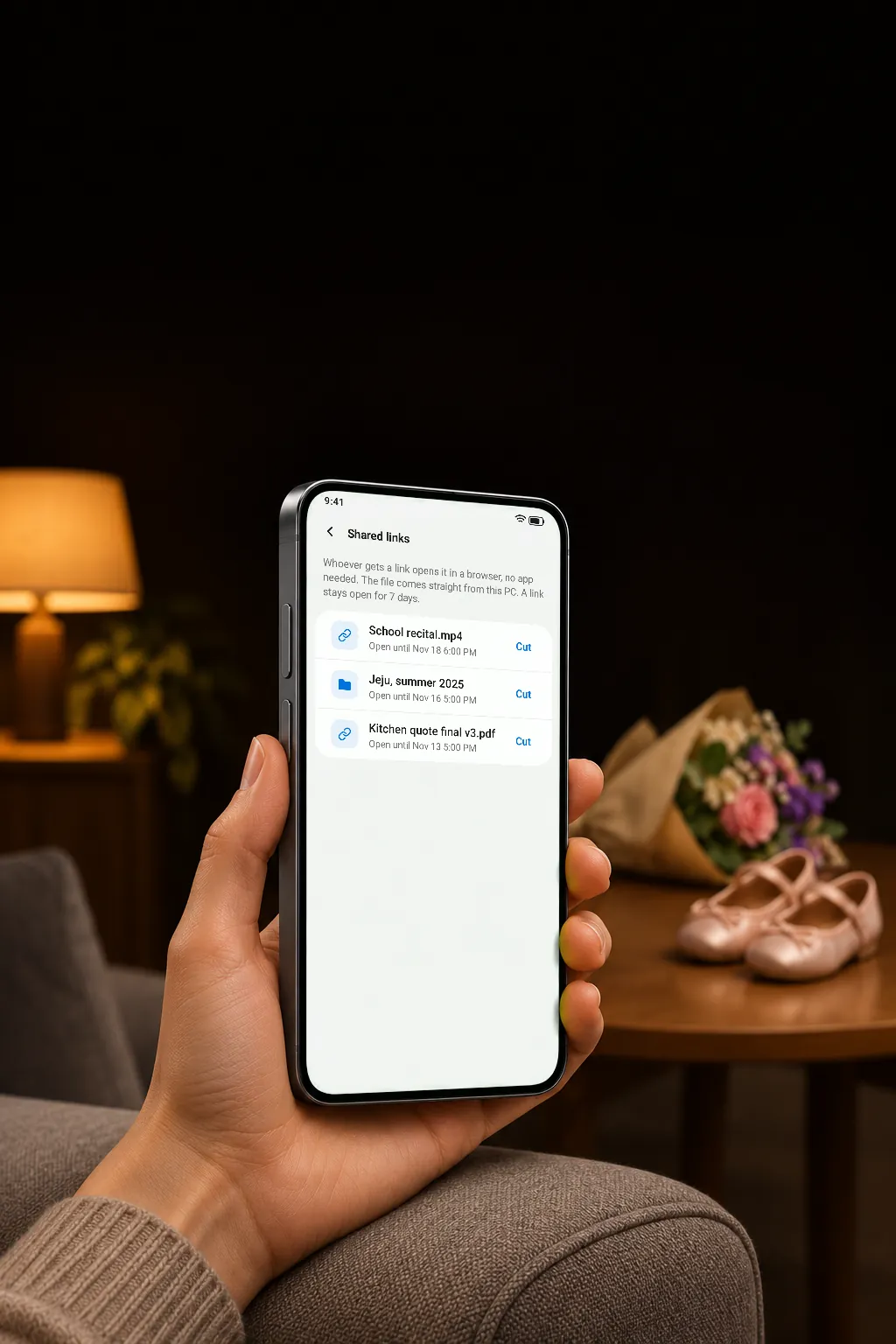
Big videos, by link
They watch it without installing anything
They tap the link and see the photos, play the videos and save them in their browser.
To close it sooner, cut it any time in the app's Shared links.
Files go from your home PC to the person you sent the link to. Bydrive doesn't upload or store them anywhere.
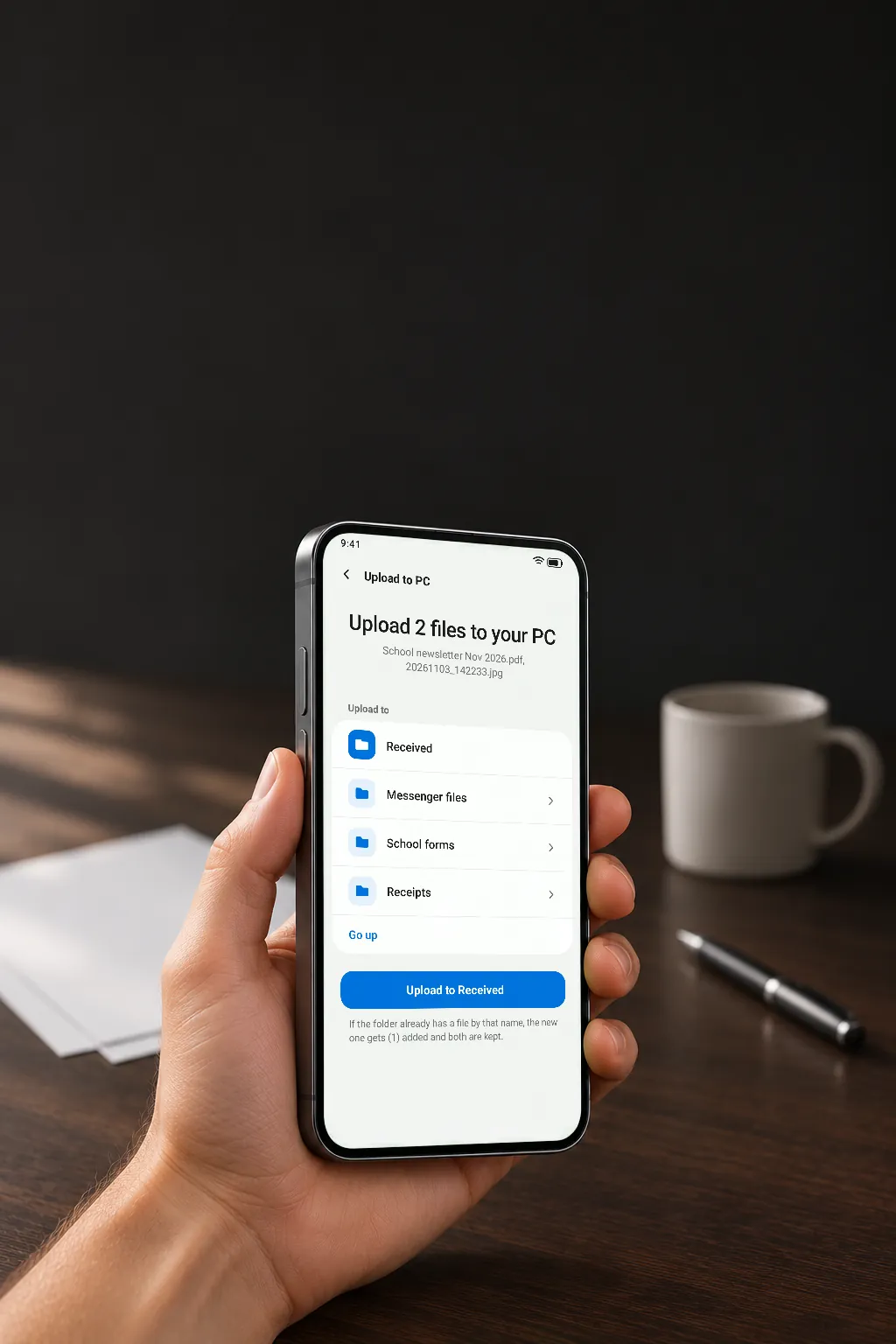
Share straight to your PC
It goes right into the PC folder you chose
Get started
You only do this once. If a reply to your question says "see step 3", it means these numbers.
Get the PC program
- 1Unzip, move bydrive.exe to where you'll keep it, and run itNothing to install, just one file. It starts from there whenever Windows starts.
- 2If "Windows protected your PC" appears, click More info → Run anywayThe program isn't code-signed yet, so this shows once.
- 3If Windows Firewall asks, click AllowThe phone needs this to reach the PC. If your network is Public, tick Public too.
- 4Find the Bydrive icon in the tray at the bottom rightFiles from your phone go to C:\Users\(your name)\Bydrive. Change it in the tray menu's "Change where files are received".
Install the phone app
- 1Install Bydrive from Google Play
- 2On the app's home, tap "Allow file access" and turn on "Allow access to manage all files"This lets it send your downloads and messenger files to the PC. Allow notifications too.
Connect phone and PC
- 1Put the phone and the PC on the same Wi-FiOnly needed the first time.
- 2PC tray icon → "Connect a phone"A 6-digit code appears. Keep this code card open while you enter it on the phone.
- 3On the phone, tap "Connect PC", tap the PC it finds and enter the codeFrom then on, new files go to the PC whenever you're on your home Wi-Fi. To send right away, tap "Send now" on the home screen.
- 4Pick the PC folders to open on the phone: tray icon → "Folders the phone can open" → "Add a folder…"Only these folders show on the phone. The folder that receives your files is there from the start.
Help
The phone can't find the PC
Check that the phone and the PC are on the same Wi-Fi and that the Bydrive icon is in the PC's tray. If you didn't click Allow in the firewall window, the phone can't reach the PC. If it still doesn't show, enter the PC's address in "Connect by address" on the phone. Type ipconfig in the PC's Command Prompt; it's the IPv4 address.
I entered the code but it doesn't connect
It only connects while the PC's code card is open. The code changes every 5 minutes. After 5 wrong codes the card closes; click the tray icon → "Connect a phone" again for a new code.
I want to pause sending for a while
Tap "Stop" on the home screen while it's sending, and it stops right away. Automatic sending starts again an hour later, and the home screen shows when. To send before then, tap "Send now": it picks up where it stopped. To turn automatic sending off, switch off "Send new files automatically".
The PC doesn't open away from home
Away from home, your router has to let the connection through to the PC. The PC program asks the router to do this with automatic port opening (UPnP). It won't work if UPnP is off on the router, if a second router sits behind your internet provider's, or if the PC is on a company network or a phone hotspot. The tray menu's "Outside access" line and the phone app tell you why. Check it without payment during the first 3 days.
What if the home PC is off?
If the PC is off or asleep, the phone can't open it or send files to it. If nothing could be sent to the home PC for more than 3 days, the phone tells you once.
What happens on the PC when I make a family link?
So that the recipient's browser shows no warning, the PC gets a security certificate for your home internet address from Let's Encrypt. This agrees to Let's Encrypt's terms, and the address is listed in public certificate logs. For the few seconds it takes to get the certificate, the router's port 80 is opened (every 4 to 5 days). None of this happens while no link is open. See section 2-1 of the privacy policy.
I want to report a problem
Type %LOCALAPPDATA%\Bydrive in File Explorer's address bar and email us the bydrive.log file there. It records what happened. It doesn't contain the contents of your files.