 Byway
한국어
Get it on Google Play
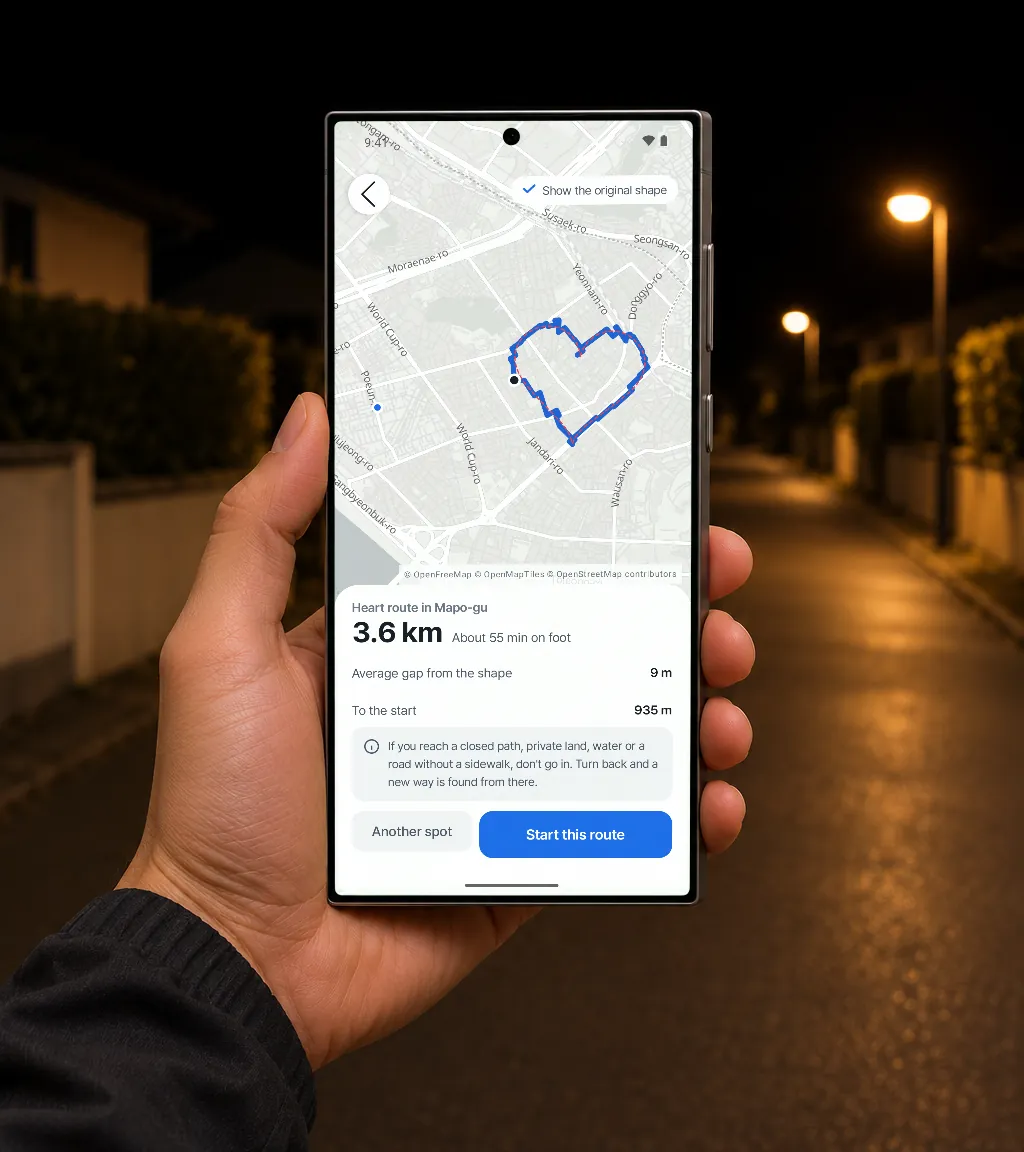
Walk a heart through your own streets
Pick a shape and a distance, and Byway makes the route on real streets near you
Android 8.0 or later · No sign-in · No ads
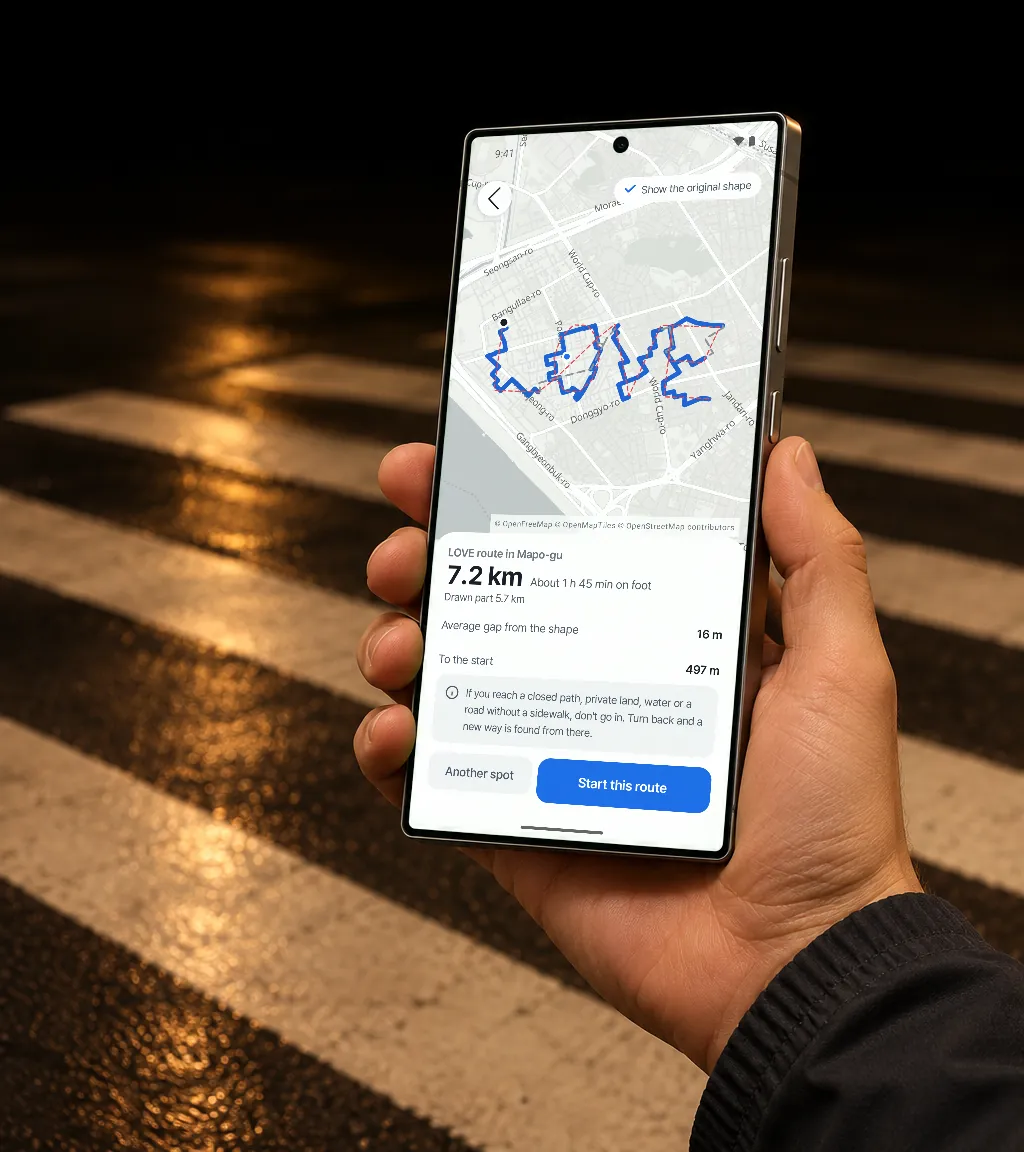
Walk your name
Up to 5 letters or digits on foot, 10 by bike
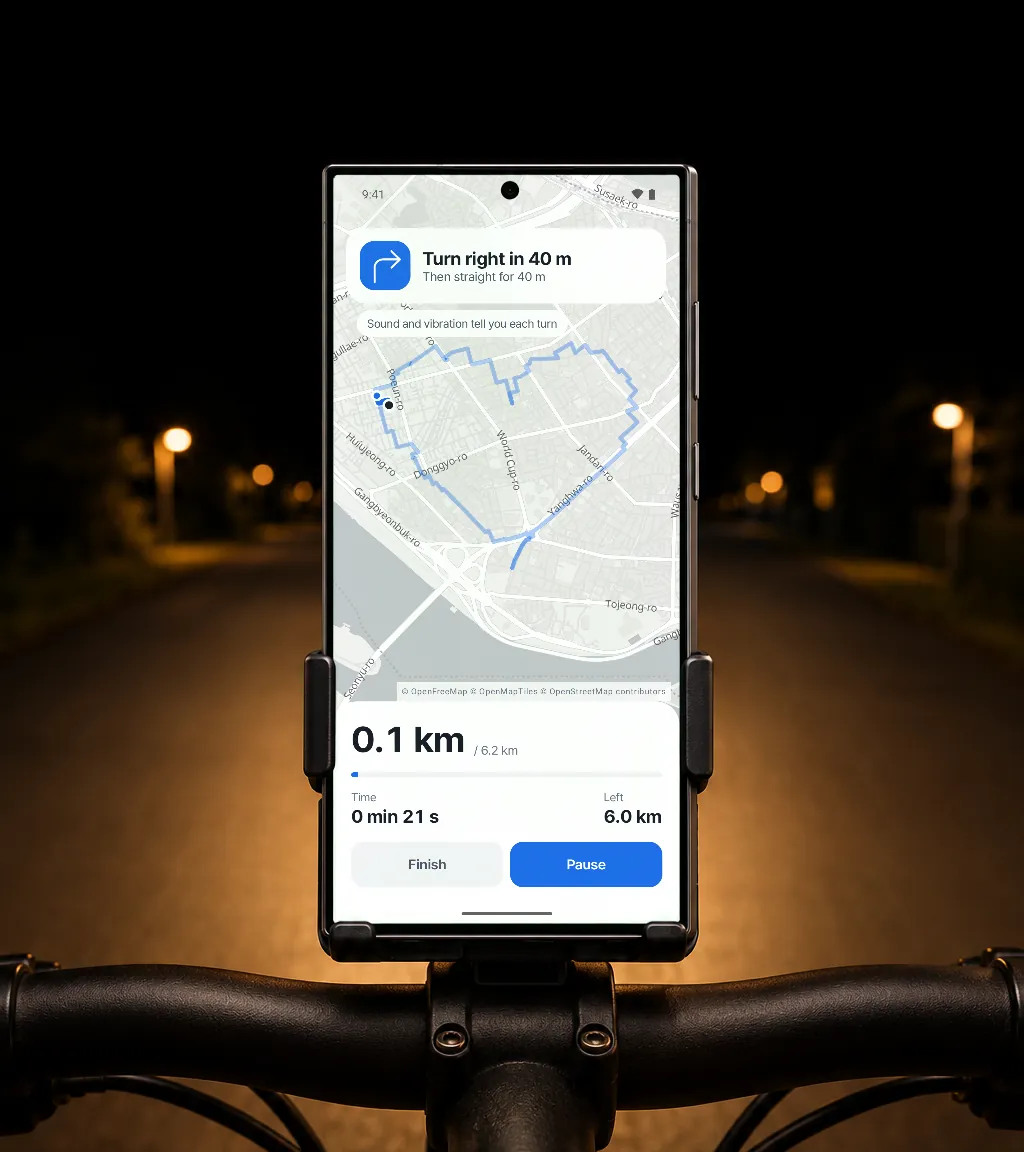
Every turn, out loud
Sound and vibration, so you don't have to watch the screen
Byway tells you how long the route takes for the way you picked.
It finds the way again from where you are. If you reach a closed path or private land, don't go in; turn back.
Stretches that aren't part of the drawing, like the gap between two letters, aren't recorded.
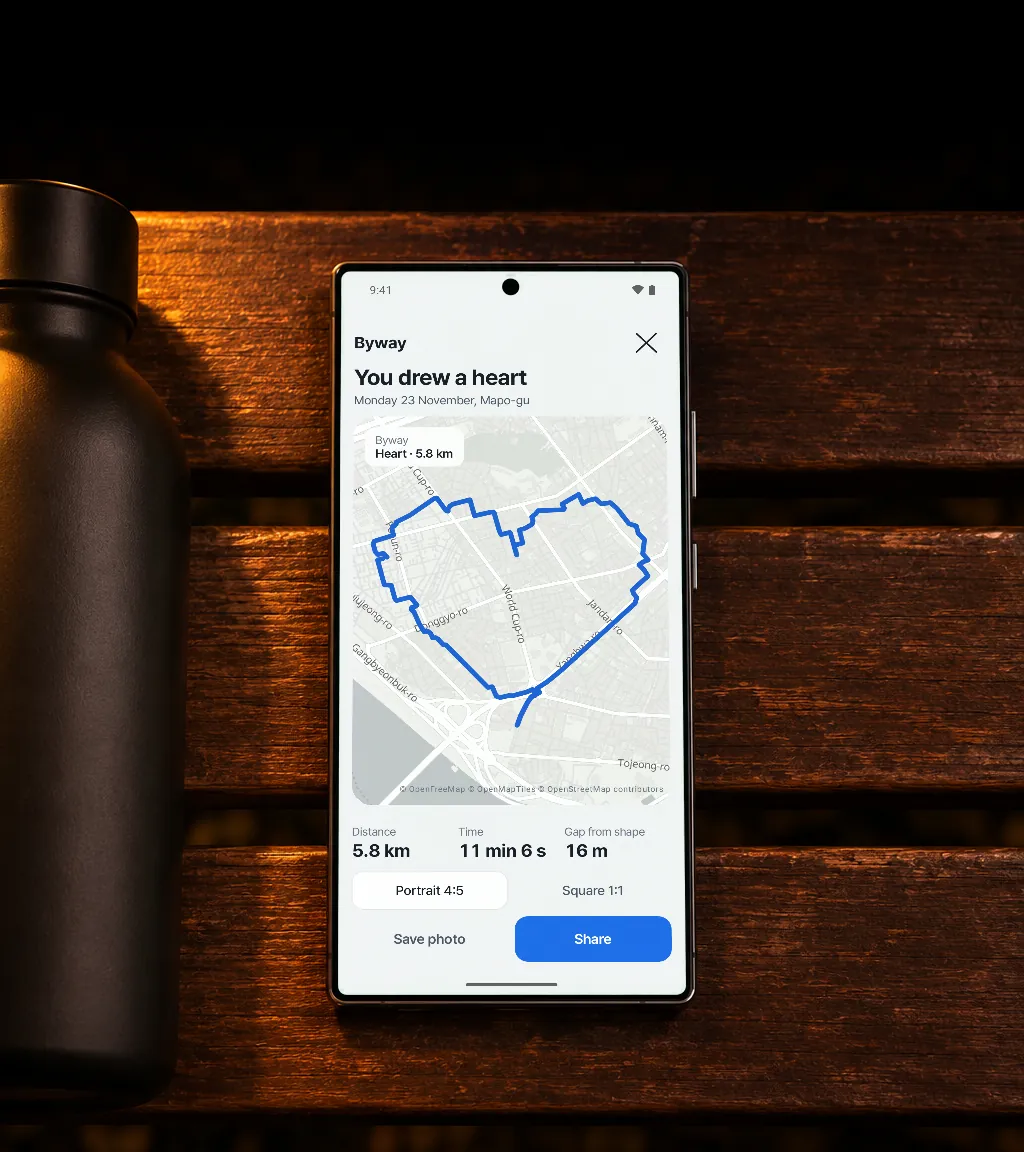
A drawing on the map
Save it as a portrait or square photo and share it
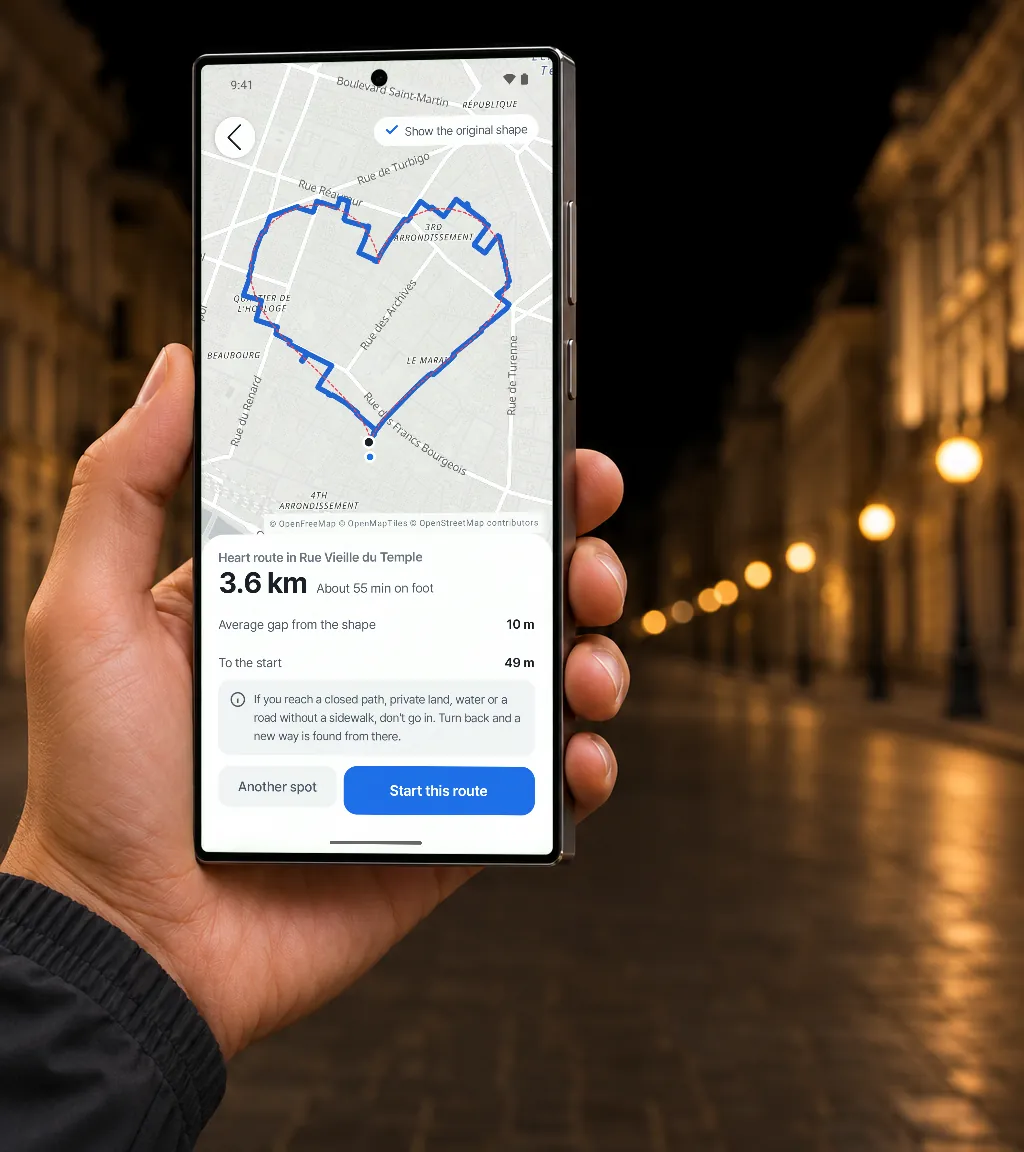
In the city you're visiting
All of Korea and 10 cities abroad
All of Korea, New York, London, Tokyo, Paris, Los Angeles, San Francisco, Sydney, Toronto, Singapore and Berlin.
The first route in an area downloads a small street map; after that, routes are made without a connection.
There's no sign-in, and your routes and drawings are stored only on your phone.
In Draw your own, draw in one stroke without lifting your finger, and Byway makes a route in that shape on nearby streets.
Under the route, Byway shows how far the start is. If it's far, the way there is shown on the map too.
The route screen and the finish screen show, on average, how many meters the route stays from the shape you picked.
Get started
All you need is your phone. If we reply "see step 4", it's this number.
Set up
- 1Install Byway and allow locationLocation is used only while you make and follow a route.
- 2Pick a shape, a distance and how you'll goHeart, star, letters, numbers, cat or your own drawing.
Make the route
- 3Tap the button below, such as Make a heart routeThe first time in an area, Byway downloads its street map first.
- 4Look at the routeCompare it with Show the original shape, or tap Another spot for a different one.
Walk it
- 5Start this routeWith the screen off, Byway keeps recording while its notification shows, and announces each turn with sound and vibration.
- 6At the end, Save photo or SharePast drawings stay in My drawings.
Help
It says "No street map for this area yet"
Byway makes routes in all of Korea and in New York, London, Tokyo, Paris, Los Angeles, San Francisco, Sydney, Toronto, Singapore and Berlin. Other places don't have a street map yet.
It says "This size doesn't fit the streets here"
The nearby streets don't make that shape at that distance. Tap Change distance, or try another shape.
It says "Couldn't download this area's street map"
The first route in an area needs a connection to download its street map. Connect and try again. Areas you've used before work offline.
Does recording stop when the screen is off?
No. While Byway's notification is showing, it records and announces turns. If notifications are off, you won't see progress there. It stops when you tap Finish or arrive.
How do I turn off sound or vibration?
Turn off Voice guidance or Vibration in Settings. Voice speaks 80 m before each turn; vibration comes 20 m before it, two short for right and one long for left.
I bought Plus on another phone
On a phone signed in to the same Google account, open Byway's Settings and tap Restore purchase.