 Bytouch
한국어
Get the app
Tap your phone. Theirs buzzes.
For two people who live apart. Their phone and watch vibrate in exactly the rhythm you tapped
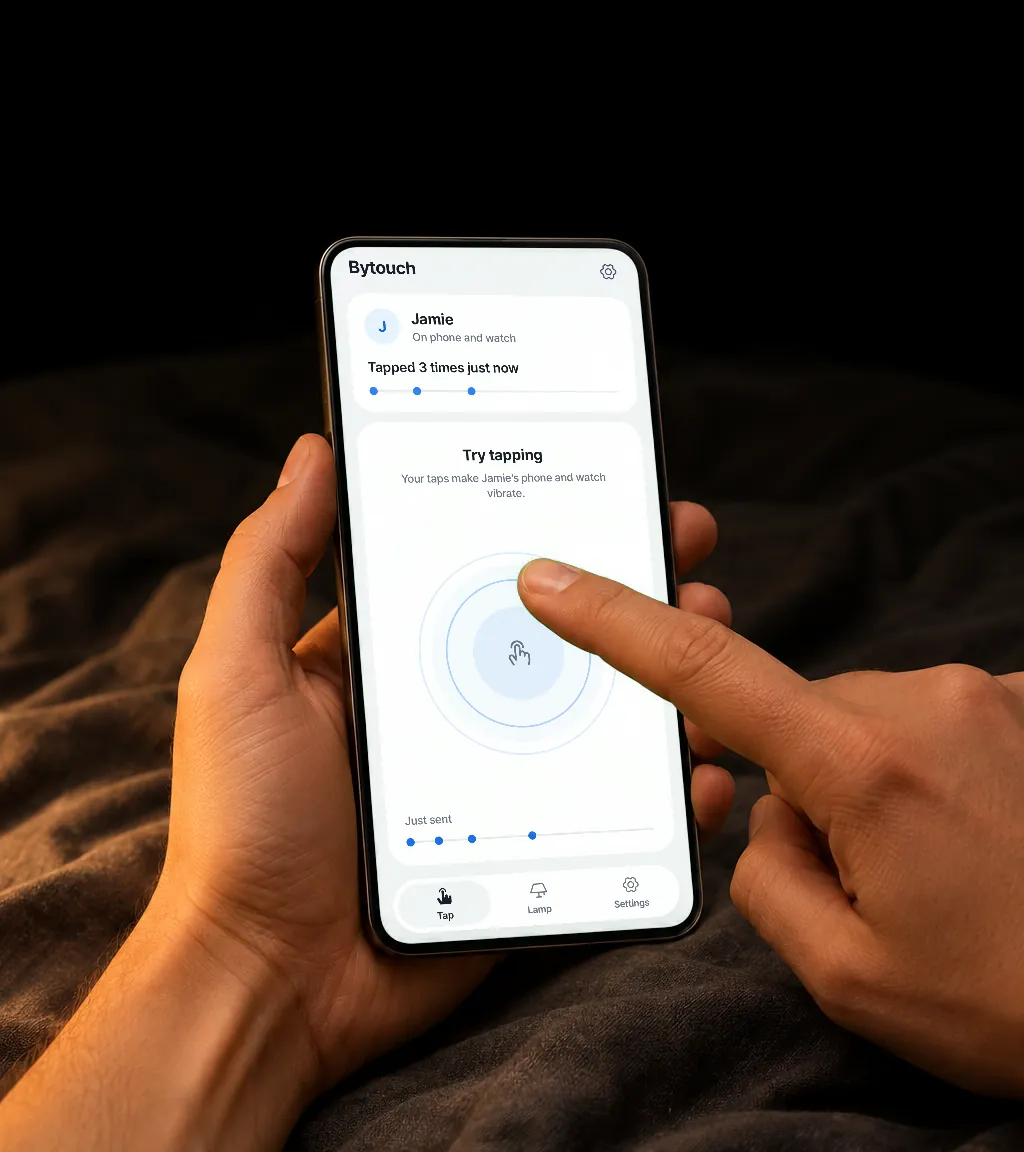
Android 10 or later · Galaxy Watch4 or later · No sign-up · No ads
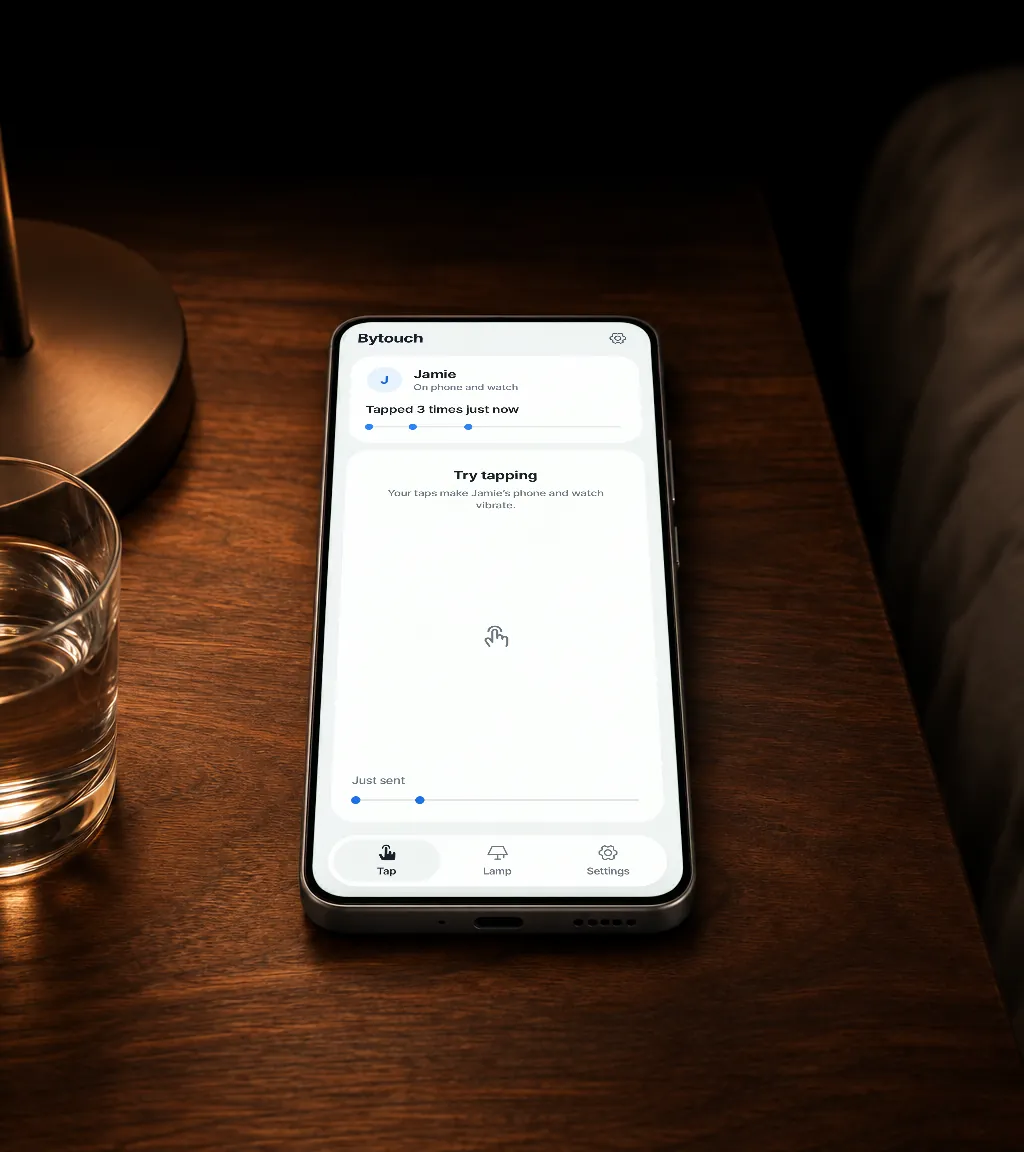
Even with the screen off
A phone in a pocket or a bag buzzes right away
Once you're paired, the connection stays open, so a phone with its screen off still vibrates in the rhythm you tapped.
Turn on “Vibrate in silent mode” in settings and it vibrates in silent mode too.
The home screen shows when and how many times they tapped. With “Wake screen when tapped” on, the screen turns on when a tap arrives.
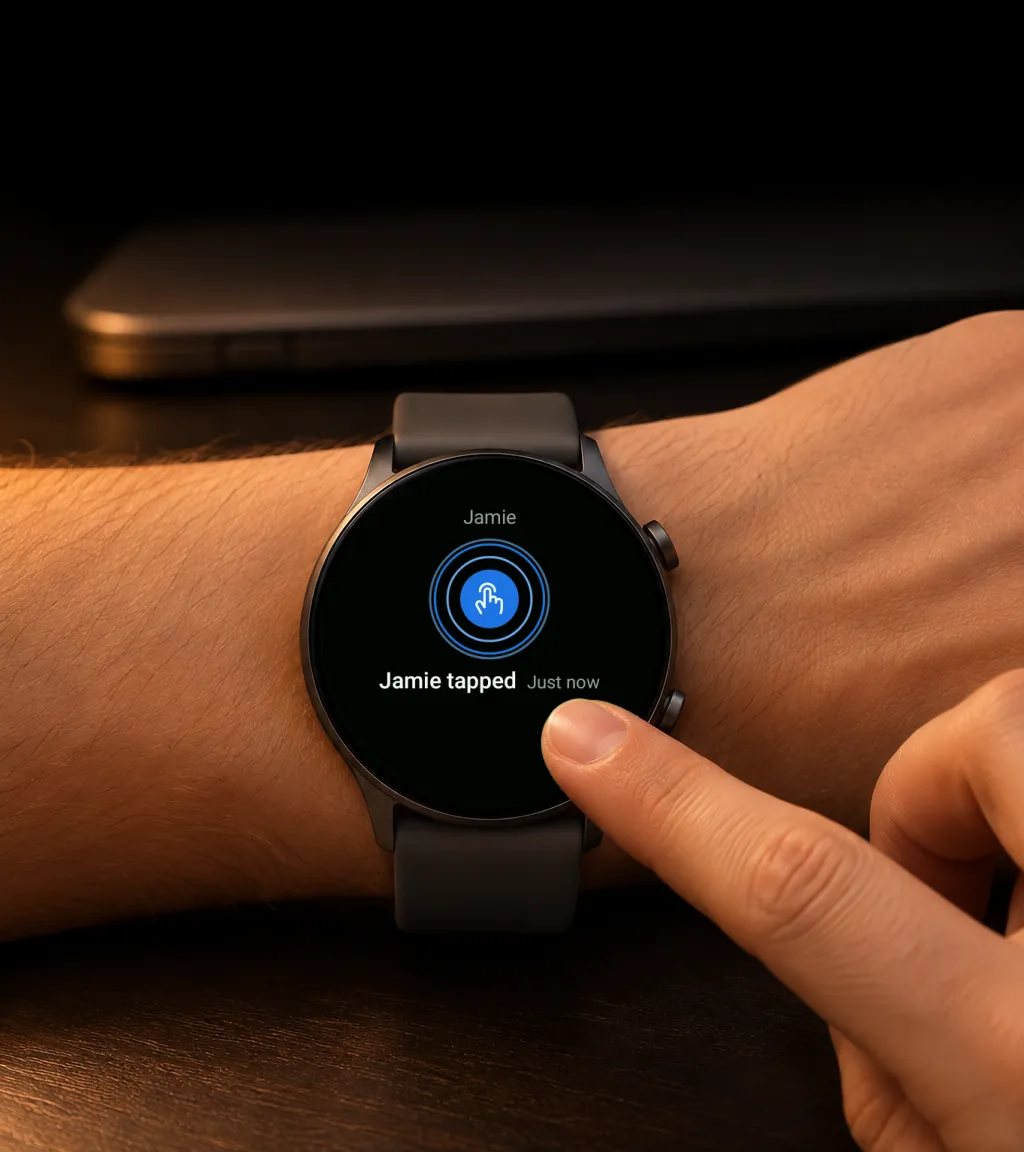
On your wrist too
Tap your Galaxy Watch to send
Turn on “Also send to watch” in the phone's settings, and the phone and the watch vibrate together.
Tap anywhere on the watch screen and the rhythm goes to their phone and watch.
The watch connects without going through the phone, so it still receives a little away from the phone. The watch needs an internet connection.
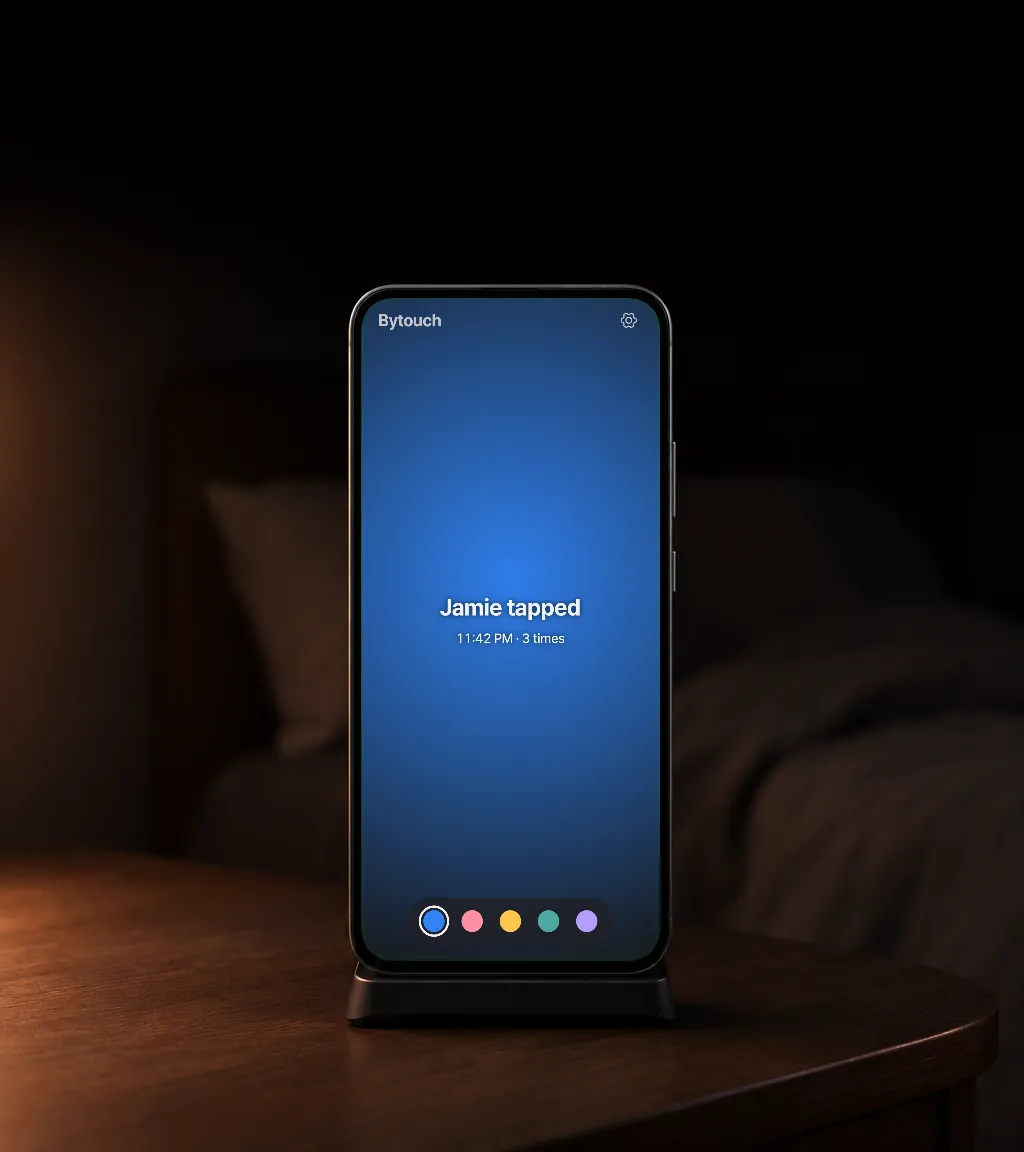
A spare phone, a lamp
It lights up when they tap
Stand it on a desk or by the bed. When they tap, the screen lights up and shows who tapped and when.
Blue, pink, yellow, green or purple.
Enter the code from “Add a lamp device” in the phone's settings on the spare phone.
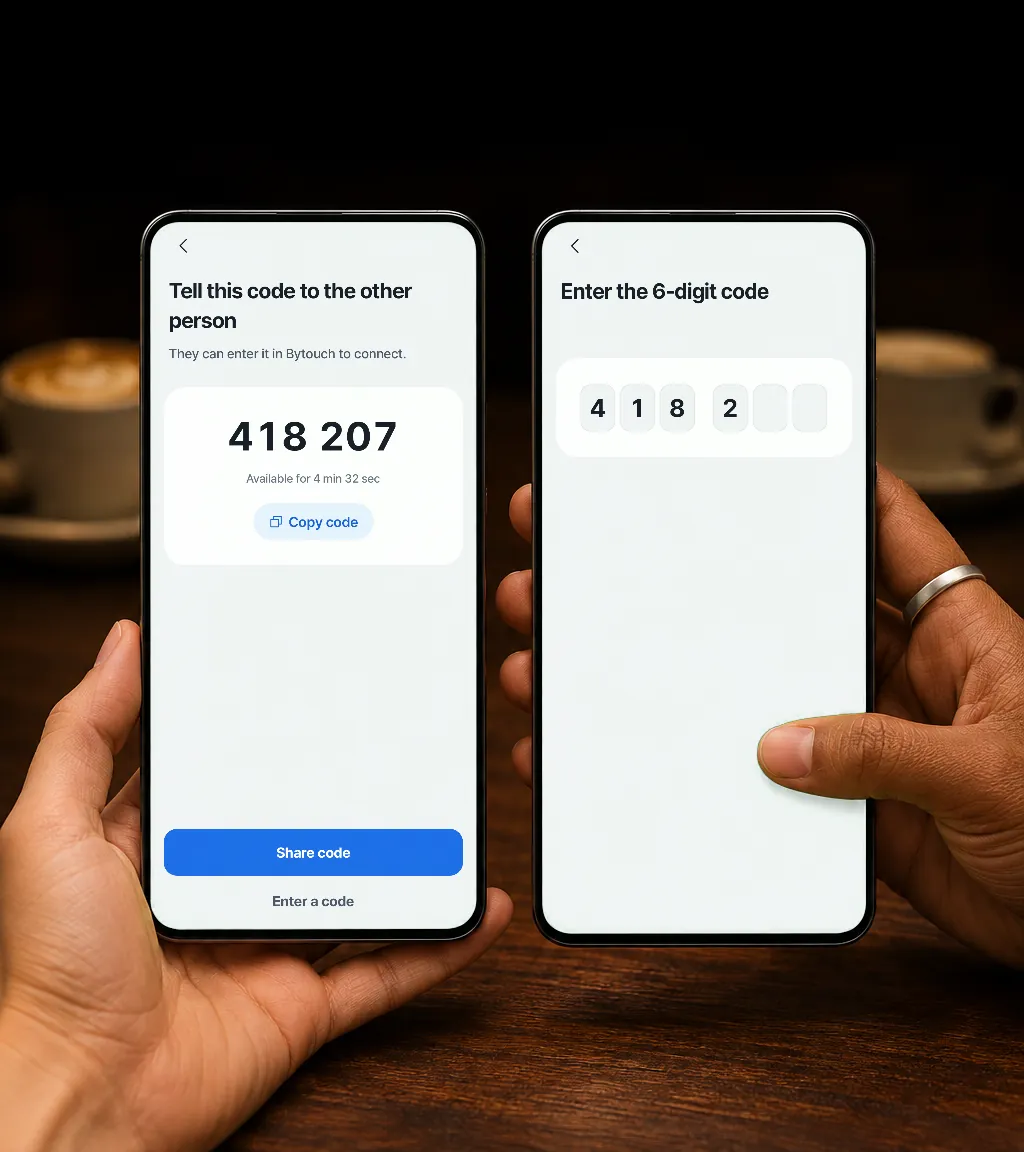
Pair with six digits
No sign-up, no phone number
One of you gets a code and the other enters it within 5 minutes. After five wrong tries, get a new code.
Your taps and names travel encrypted with a key only your two phones know. The server in between can't read them and doesn't store them.
Share the code by message or call. The two phones don't need to be in the same place.
Get started
You only do this once. If we reply “see step 2”, it means these numbers.
Install on both phones
- 1Both of you install Bytouch
- 2Choose your name the first time you open itIt's the name your partner sees. You can change it later in settings.
Pair with a code
- 1One of you taps [Get a code]Share the six digits. [Share code] sends them straight to a messaging app.
- 2The other taps [Enter a code] and types the six digitsThe code works for 5 minutes.
- 3On the phone that got the code, tap [Connect]It shows the name of the person who entered the code. Only connect if you know them. Allow notifications so taps arrive with the screen off.
Watch and lamp
- 1On the watch, open Play Store and install BytouchOr, in the phone's Play Store, choose your watch under “Install on more devices”.
- 2Phone settings → turn on “Also send to watch”
- 3For a lamp: phone settings → “Add a lamp device”Install Bytouch on the spare phone, tap [Use a spare phone as a lamp] and enter that code. Then tap [Add lamp] in the box on your phone.
Help
Taps arrive late when the screen is off
When the phone puts Bytouch to sleep to save battery, taps can arrive late or not at all. Tap “Allow background activity” in Bytouch's settings, on the phone that receives.
A notification stays at the top
It shows that the connection is kept open so taps arrive while the screen is off. It goes away when you disconnect.
It doesn't vibrate in silent mode
Turn on “Vibrate in silent mode” in settings.
The watch doesn't vibrate
Check that “Also send to watch” is on in the phone's settings and that Bytouch is installed on the watch. After the first 3 days the watch locks unless one of you has bought the unlock.
I got a new phone
Pair again with a code on the new phone. Your purchase stays unlocked on the same Google account.
I want to disconnect
Tap “Disconnect” at the bottom of settings. The pairing is removed from both phones and the lamp; to use it again, pair with a new code.