 Byscreen
한국어
Download for PC
Your tablet as a second monitor
For your Windows PC, over USB or Wi-Fi
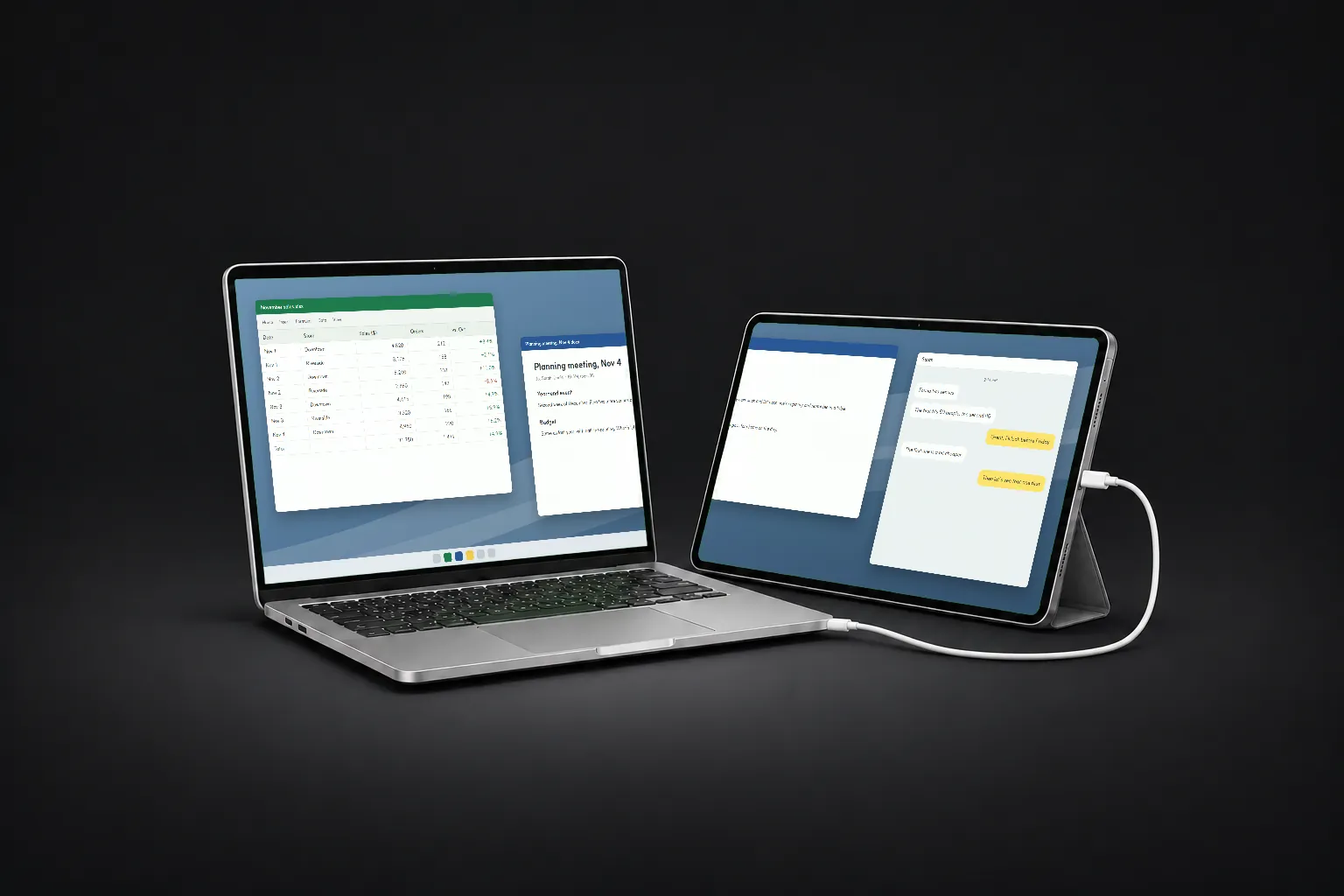
PC: Windows 10 (2004 or later) or 11, 64-bit · 53 MB zip · Tablet: Android 8 or later
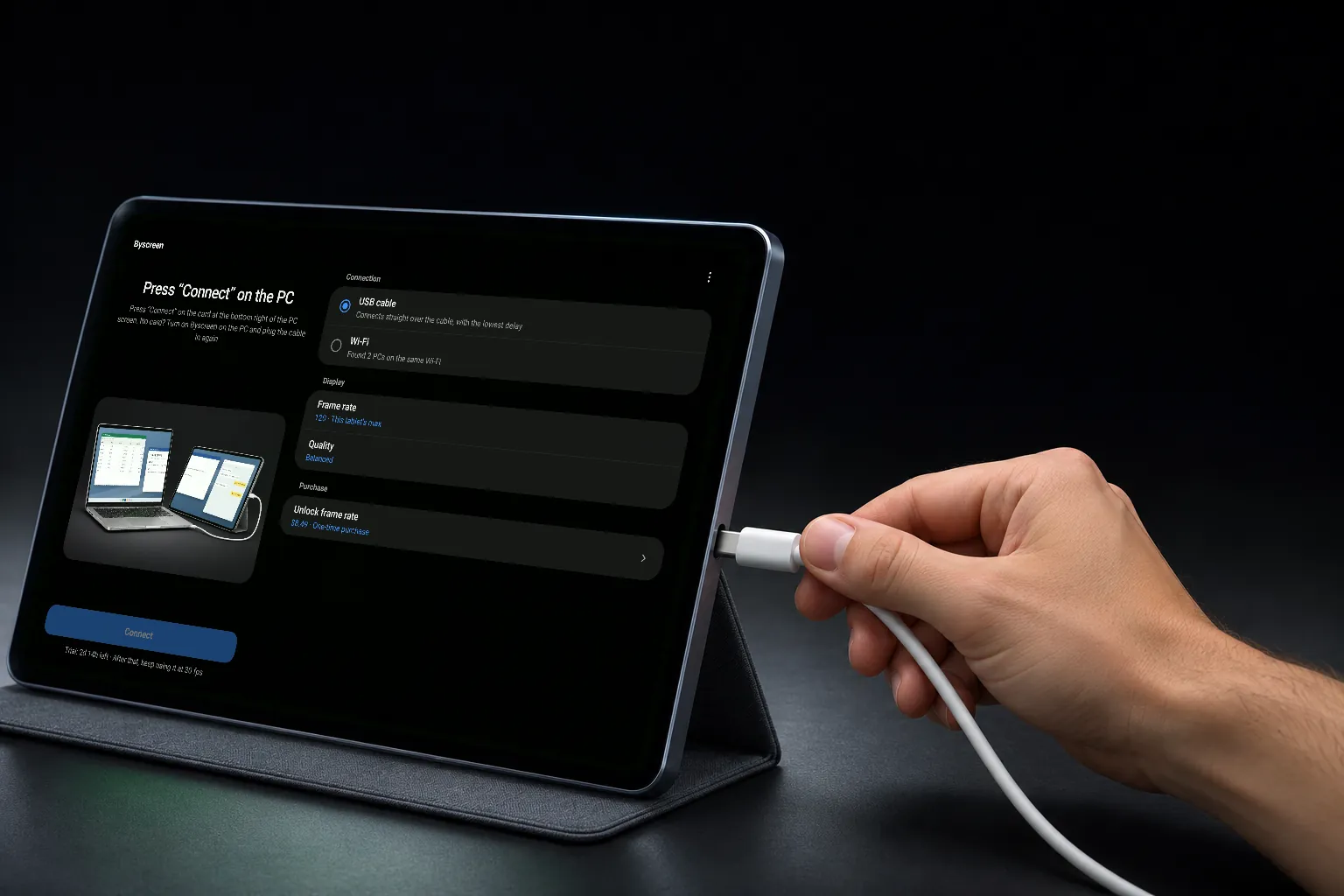
Plug in.
That’s it.
Press Connect on the PC the first time only
Fastest and steadiest. Needs a cable that carries data and USB debugging turned on in the tablet.
RecommendedThe PC and tablet just need to be on the same router. Office and café networks often keep devices apart, so a cable is better there.
Add the tablet as a new screen, or show a monitor you already have. Choose from the tray menu at the bottom right of the PC.
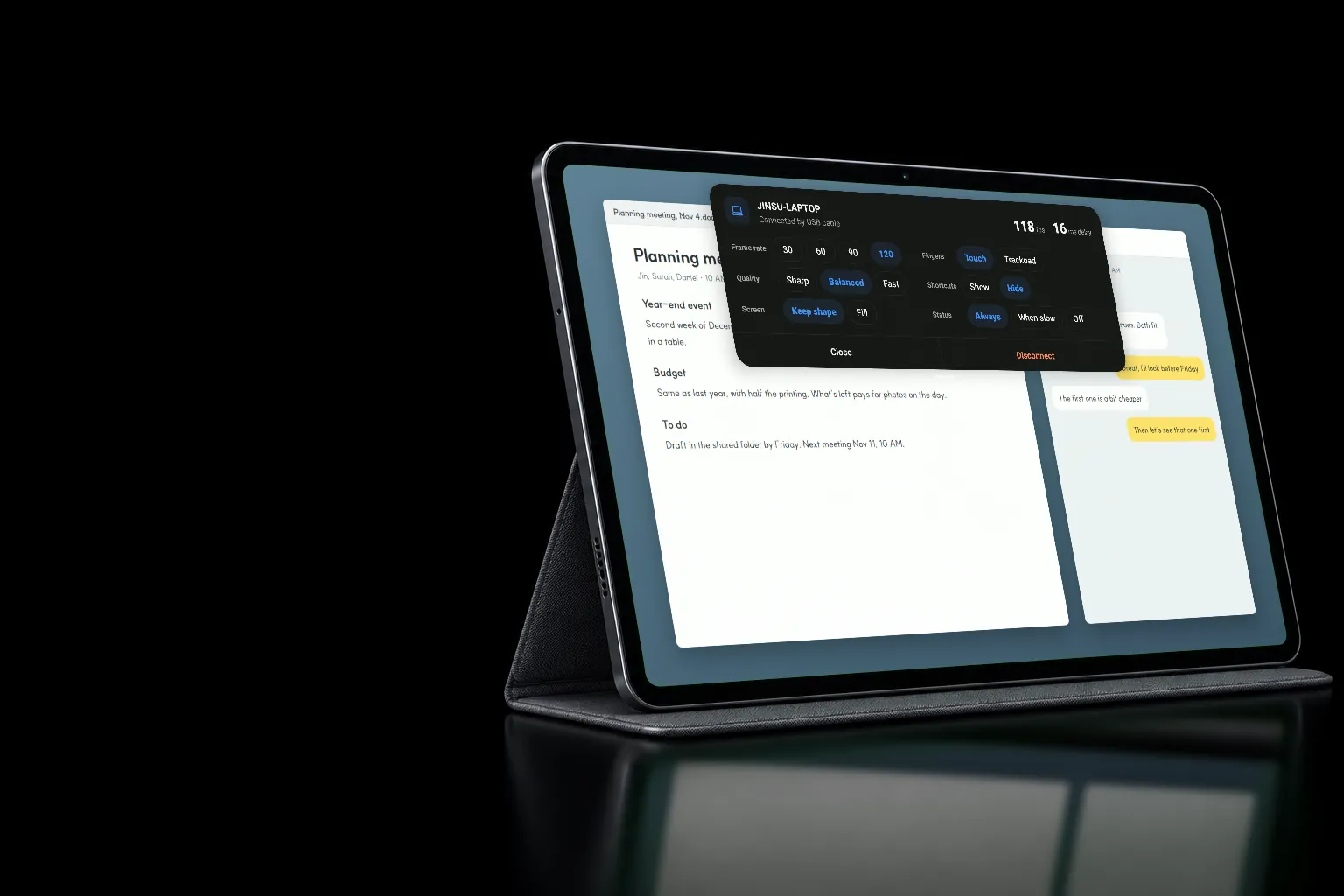
120frames per second
30, 60, 90 or 120, as far as your tablet goes
Measuring this screen…
Every row moves the same bar at the same speed; only the frames per second differ. 120 is the ceiling, not a promise: a 60 Hz tablet tops out at 60, and a slow PC graphics chip can hold it lower. The app only offers what your tablet can do.
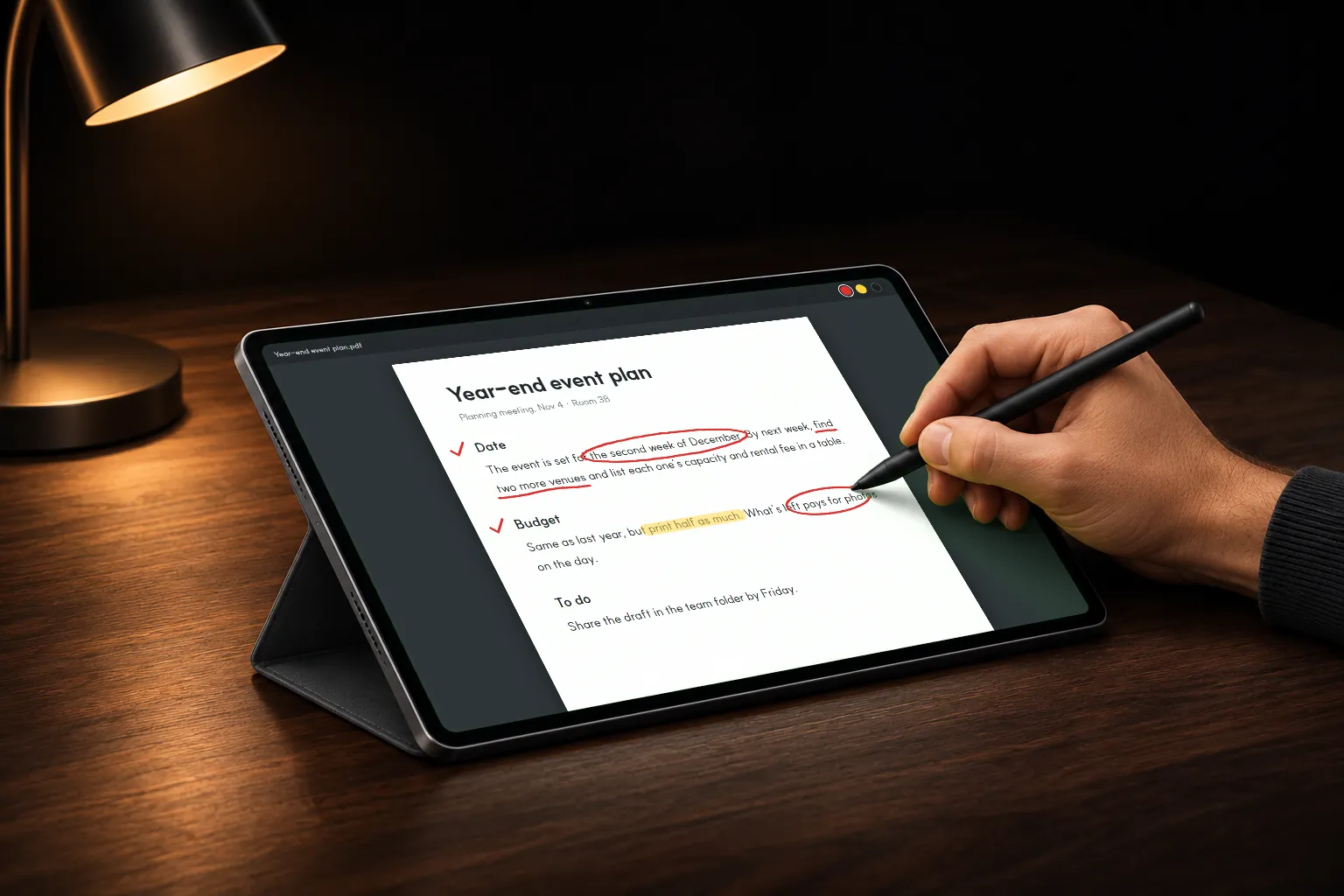
Write on your PC with a pen
Touching the tablet is touching the PC
How hard you press reaches drawing and note apps on the PC.
On by defaultFingers are ignored while the pen is near the screen.
On by defaultFingers move the pointer like a laptop touchpad; the pen still touches where it lands.
Off by defaultUndo, copy, paste and keyboard buttons over the PC picture.
Off by default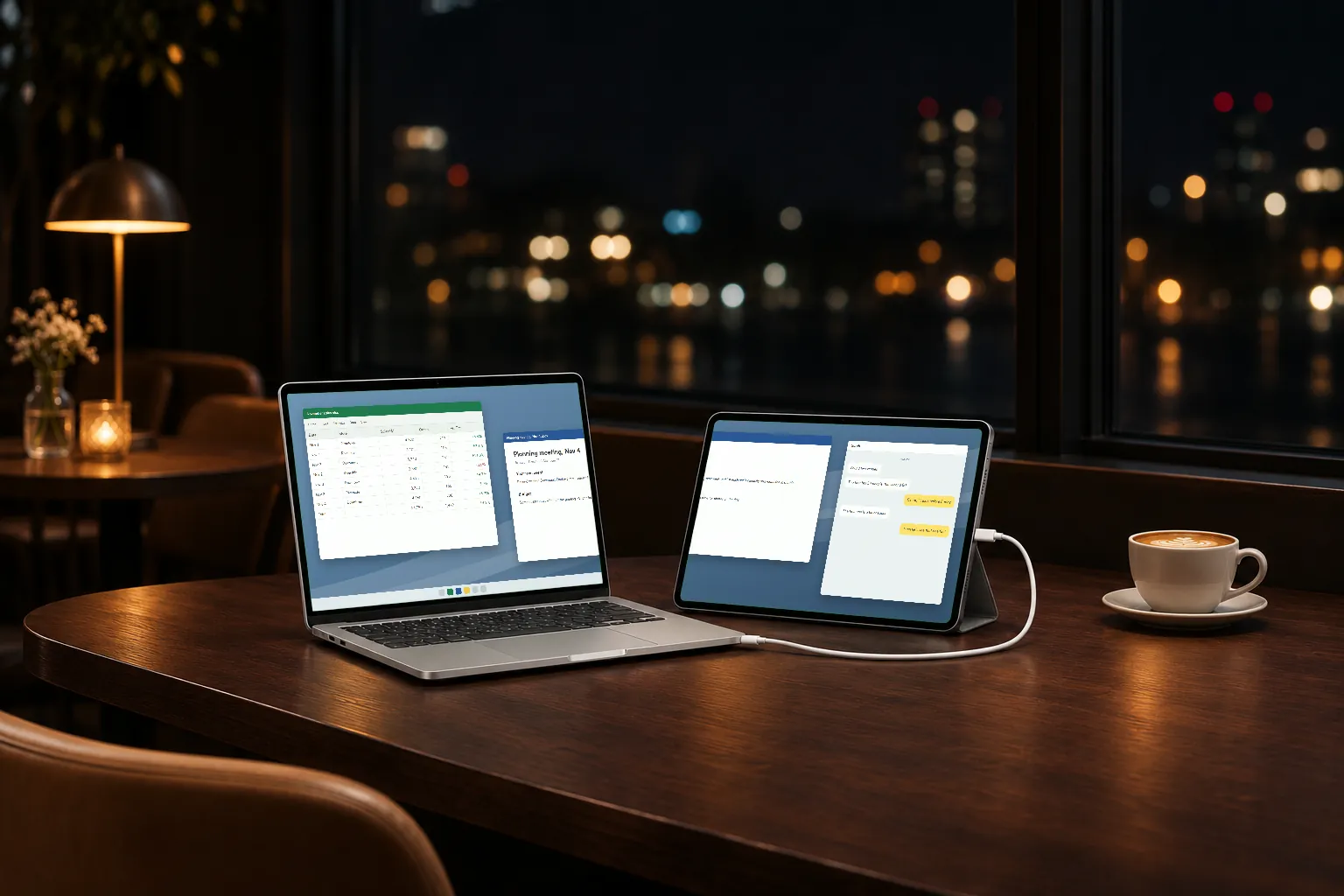
A second screen, wherever you work
Over Wi-Fi or a USB cable, right beside your laptop
Get started
You only do this once. When we answer an email with "see step 3", it's these numbers.
PC
- 1Unzip and run byscreen-host.exeKeep the unzipped folder: it holds the driver that creates the new screen.
- 2If "Windows protected your PC" appears: More info → Run anywayThe program isn't code-signed yet, so Windows asks the first time.
- 3If the firewall asks, choose AllowNeeded for Wi-Fi. For USB only, you can cancel.
- 4Tray icon → Screen to show on the tablet → Extend to a new screen · Set upChoose Yes in the administrator prompt. Once per PC. Byscreen has no window; it lives in the tray at the bottom right.
Tablet
- 1Install Byscreen from Google Play
- 2For USB, turn on USB debuggingSettings → About tablet → Software information: tap Build number seven times to show Developer options. Then Settings → Developer options → USB debugging.
Connect with USB
- 1Plug the tablet into the PC
- 2When the PC finds the USB device, choose Connect
- 3If it asks to install a USB driver: Install → YesOnce per tablet.
- 4When the tablet asks whether to open Byscreen, tick Always and confirm
Connect over Wi-Fi
- 1Choose Wi-Fi in the tablet app and pick your PCPCs on the same router appear in the list.
- 2Tap Connect and allow it in the prompt on the PCOnce per tablet.
3 days free
Then pay once. No subscription.
Try it at the highest frame rate your tablet's screen can show.
FreeKeep going at 30 frames a second. Nothing else is taken away.
FreeYour tablet's highest frame rate (up to 120) for good. Other tablets on the same Google account unlock too. Google Play shows the price in your currency.
One-timeHelp
The app asks me to turn on USB debugging
The PC program uses USB debugging to switch the tablet to cable mode. Follow tablet step 2.
Nothing happens when I plug in the cable
Charge-only cables don't connect; try a USB-C cable that carries data. Check that the PC program is running in the tray.
My work PC asks for an administrator password
The two one-time setups (new screen, USB driver) need administrator rights. Ask your IT team; after that it doesn't ask again.
I want to report a problem
Type %LOCALAPPDATA%\Byscreen in File Explorer's address bar and email us the host.log file there. It records the tablet model and what happened.