 Bypen
한국어
Get the PC program
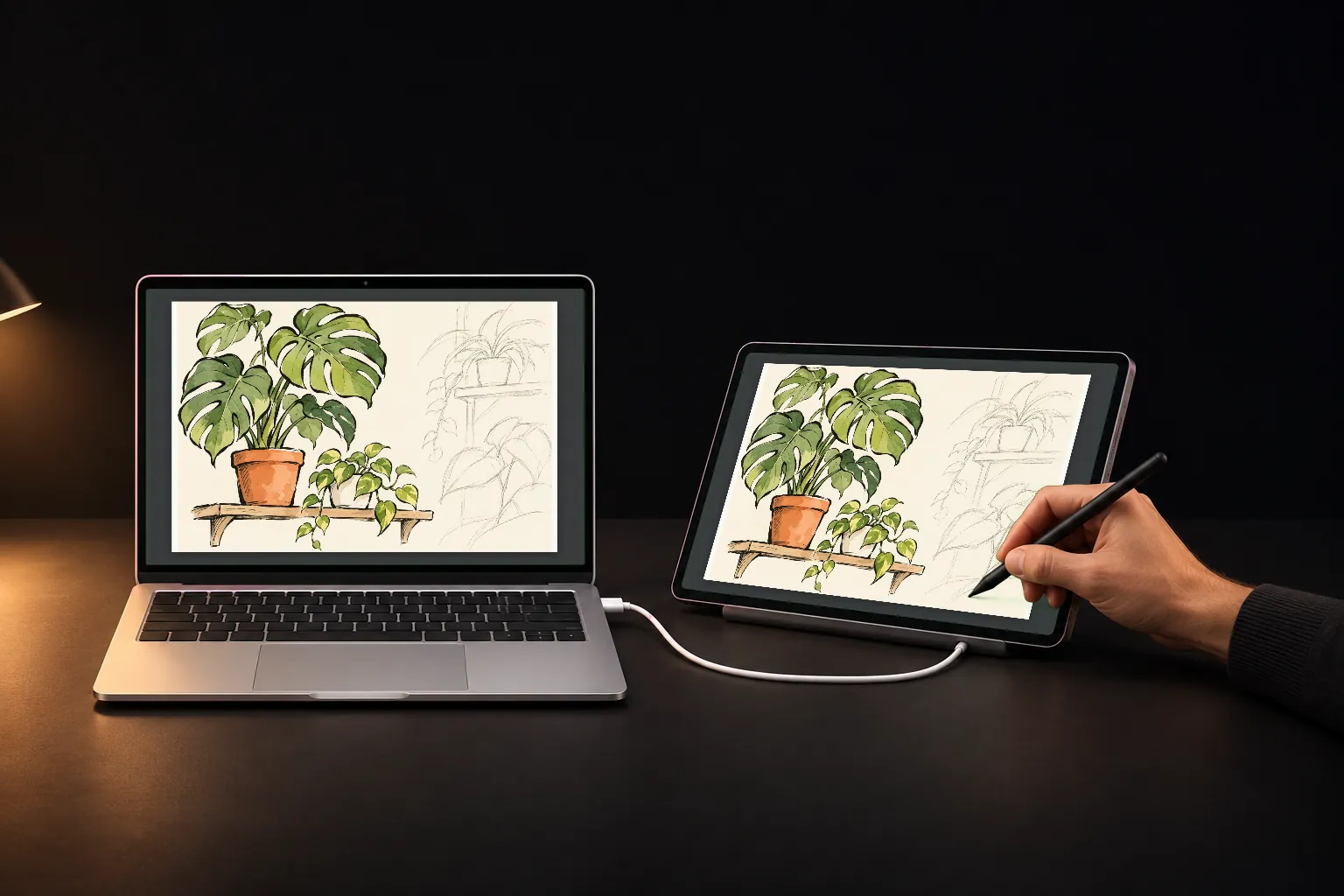
Draw on the tablet, it draws on your PC
Use the tablet on a USB cable as a pen pad for your PC's drawing app
PC: Windows 10 or 11, 64-bit · 51 MB zip · Tablet: Android 8 or later
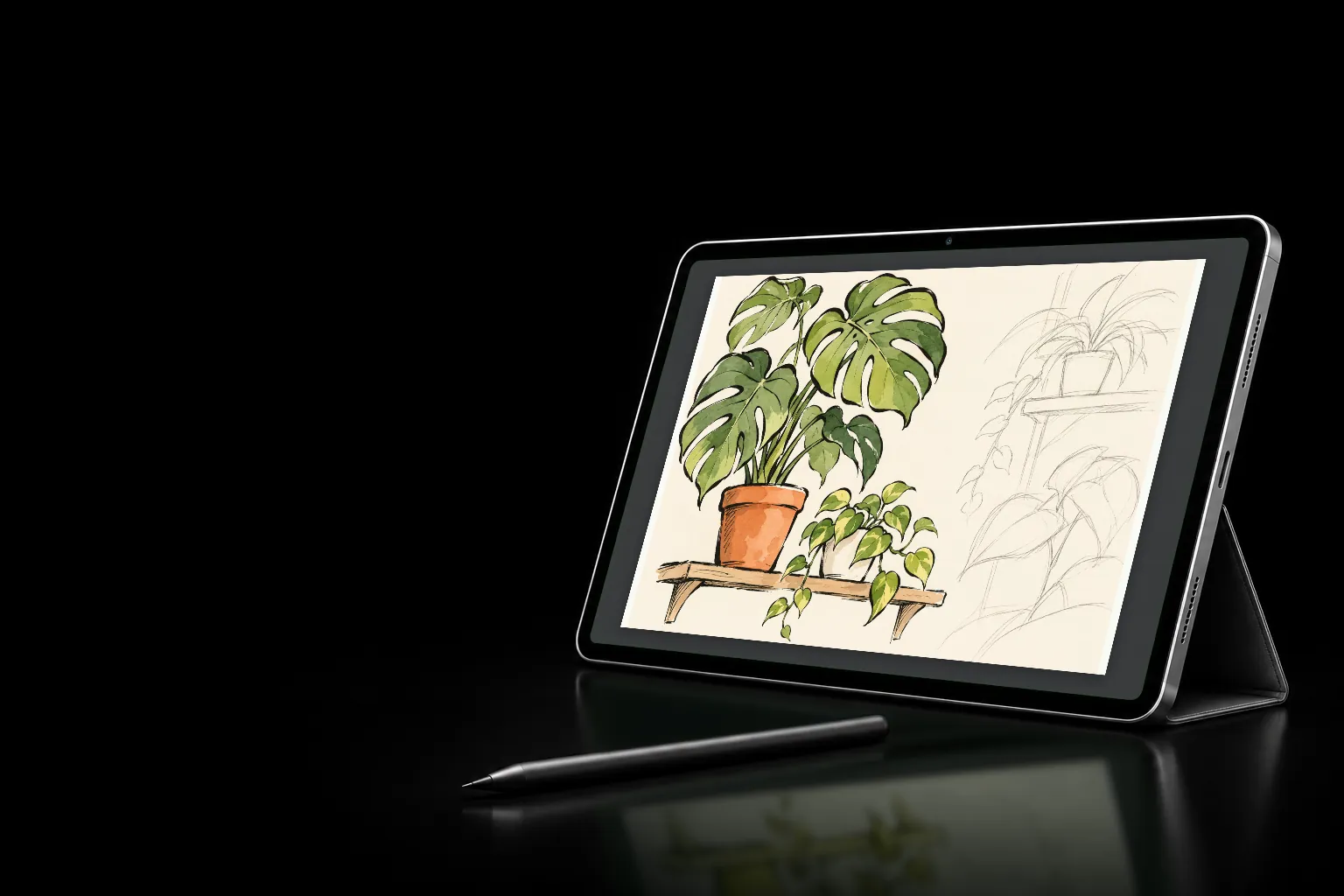
No driver.
A Windows pen.
Drawing apps that use Windows Ink see it as a pen right away
Bypen adds a pen to Windows. There's no pen driver to install.
Set the app's pen input to Windows Ink. Photoshop and Clip Studio start that way; in Krita, choose it in the settings.
Drawing with the S Pen's button held is the pen's side button; a pen with an eraser end erases.
1,024 pressure levels
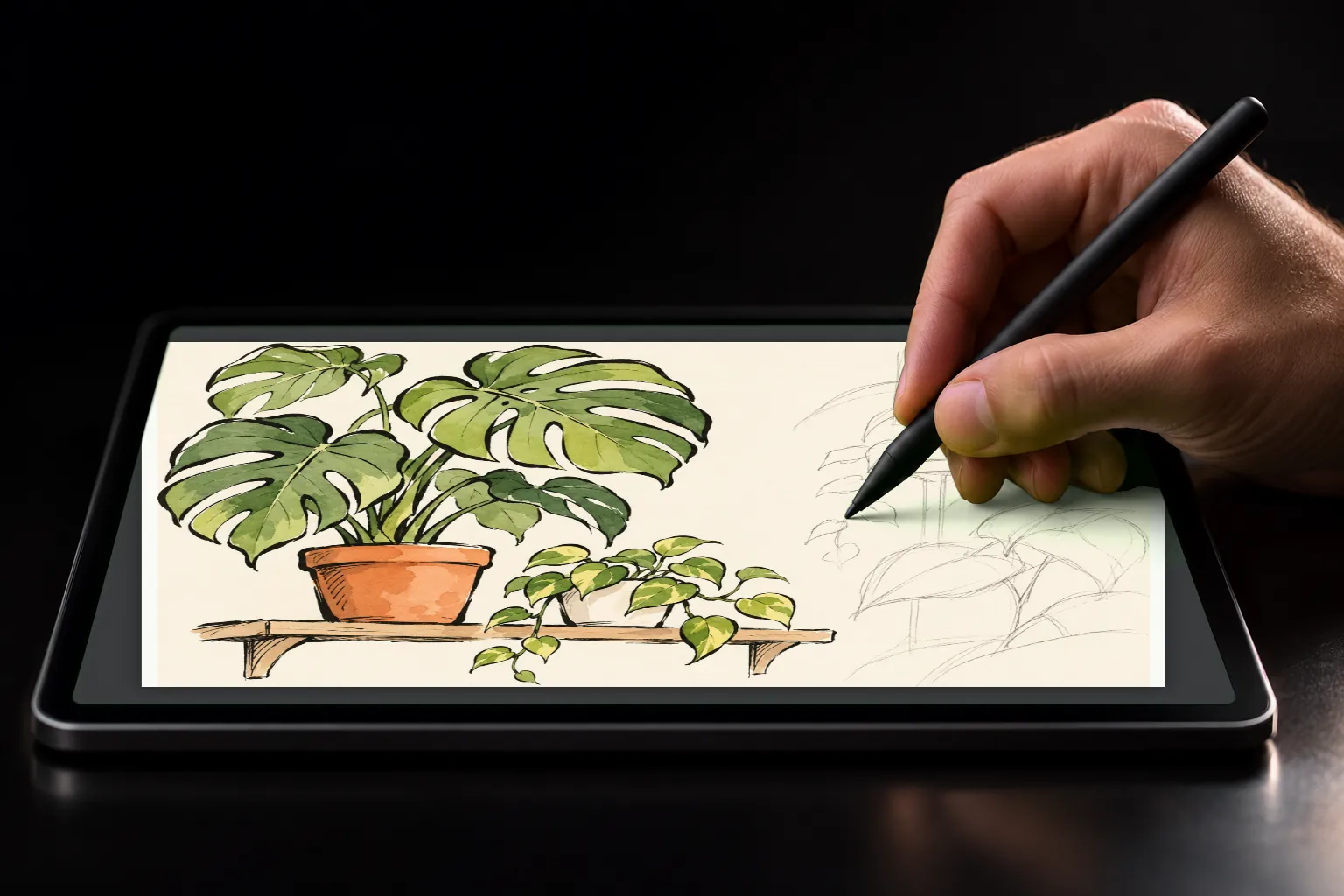
How hard you press and how you tilt the pen
go to the PC as they are
The pressure the tablet reads goes to the Windows pen as 0 to 1,024.
The pen's lean becomes left-right and front-back tilt. Brushes that use tilt change their stroke.
Hold the tip just above the glass and the PC's cursor follows, so you see where you'll draw before you touch.
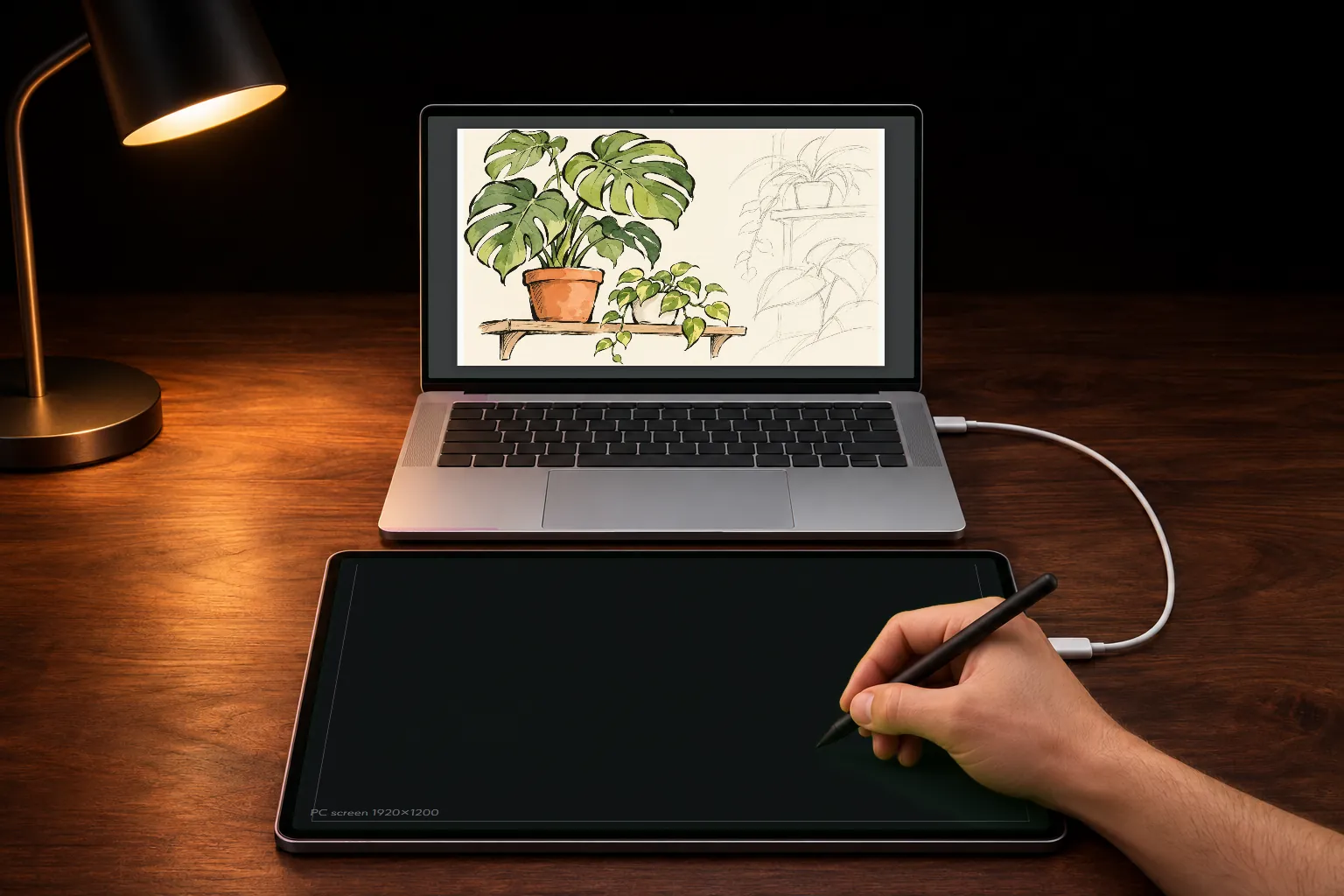
No picture,
just a pad
The PC sends no screen, so the pen answers fastest
The tablet shows a blank area shaped like the PC's monitor. The whole area is the whole monitor.
pen onlyOn the blank pad, fingers and palms do nothing. Rest your hand on the glass and draw.
The other mode shows the PC's screen on the tablet and you draw right on it. Switch under Mode on the app's home.
Get started
You only do this once. When a reply says "see step 3", it means these numbers.
PC
- 1Unzip and run bypen-host.exeIt has no window; it sits as the Bypen icon in the notification area at the bottom right. Keep the unzipped folder.
- 2If "Windows protected your PC" appears, More info → Run anywayThe program isn't code-signed yet, so this shows once.
- 3With several monitors, pick one from the icon's menuThe blank pad covers the monitor you pick there.
Tablet
- 1Install Bypen from Google Play
- 2Turn on USB debuggingSettings → About tablet → Software information: tap Build number 7 times to get Developer options. Then Settings → Developer options → USB debugging.
- 3On the app's home, pick a mode: drawing on the PC's screen, or the blank pad
Connect with USB
- 1Plug the tablet into the PC with a USB cable
- 2When the PC says a USB device is connected, press Connect
- 3When it asks to install the USB driver once, press Install → YesOnce per tablet.
- 4When the tablet asks to open Bypen, tick Always and press OKThen open your drawing app on the PC and draw on the tablet.
3 days free
Then the pen stays free
Everything, pressure and tilt included.
freeThe pen keeps drawing on the PC, at one width whatever the pressure, with no tilt.
freePressure and tilt for good. No subscription; your other tablets on the same Google account unlock too.
one purchaseHelp
The drawing app ignores pressure
Set the app's pen input to Windows Ink. After the 3-day trial, the pen draws at one width until you buy pressure. Also check that Pen pressure is on in the app's menu.
The app says to turn on USB debugging
The PC program uses USB debugging to switch the tablet into cable mode. Follow Tablet step 2.
The pen doesn't draw on the PC
On the lock screen the pen lands on the lock screen; unlock the PC. Windows also blocks the pen over programs run as administrator; start that program normally.
Nothing happens when I plug the cable in
Charge-only cables don't connect. Try a USB-C cable that carries data, and check that the PC program is running in the notification area.
A work PC asks for an administrator password
Installing the USB driver the first time needs administrator rights. Ask your IT team; it won't ask again after that.
I want to report a problem
Type %LOCALAPPDATA%\Bypen into File Explorer's address bar and email us the host.log file there. It records what happened.