 Bypad
한국어
Download for PC
Shortcuts,
as buttons
Use your tablet as a
shortcut pad for your PC
PC: Windows 10 · 11, 64-bit · 44 MB zip · Tablet: Android 8 or later
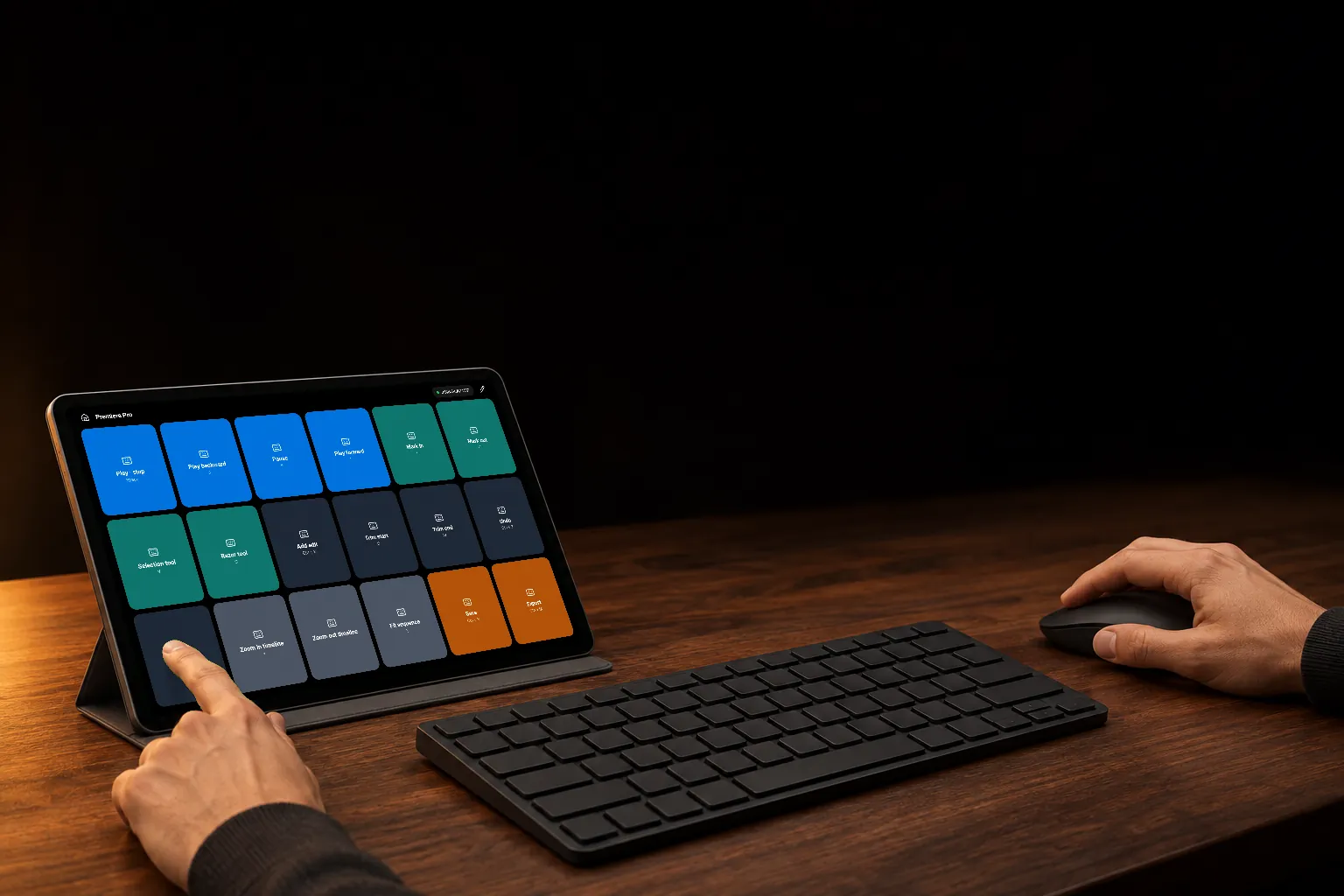
Buttons on the left, mouse on the right
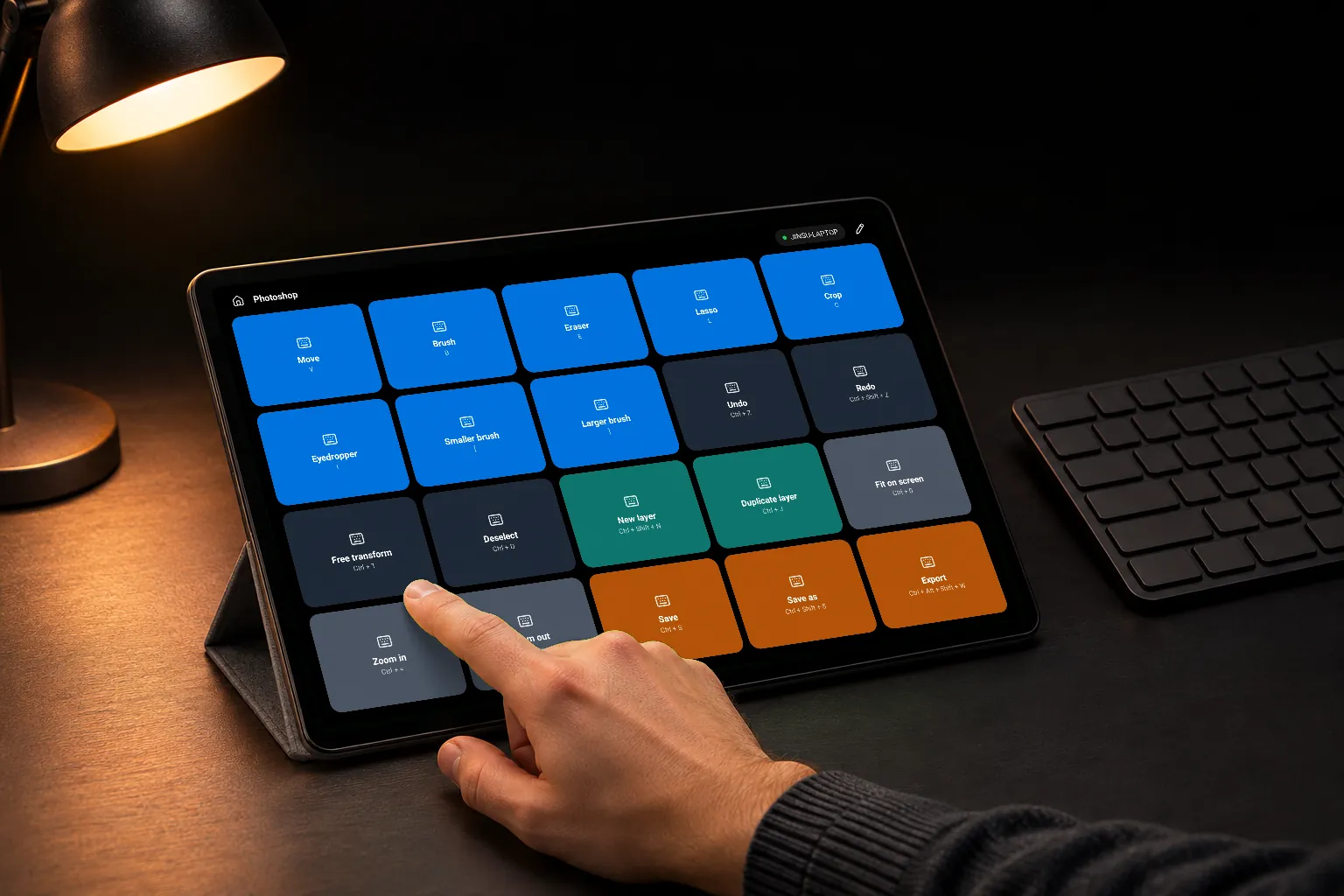
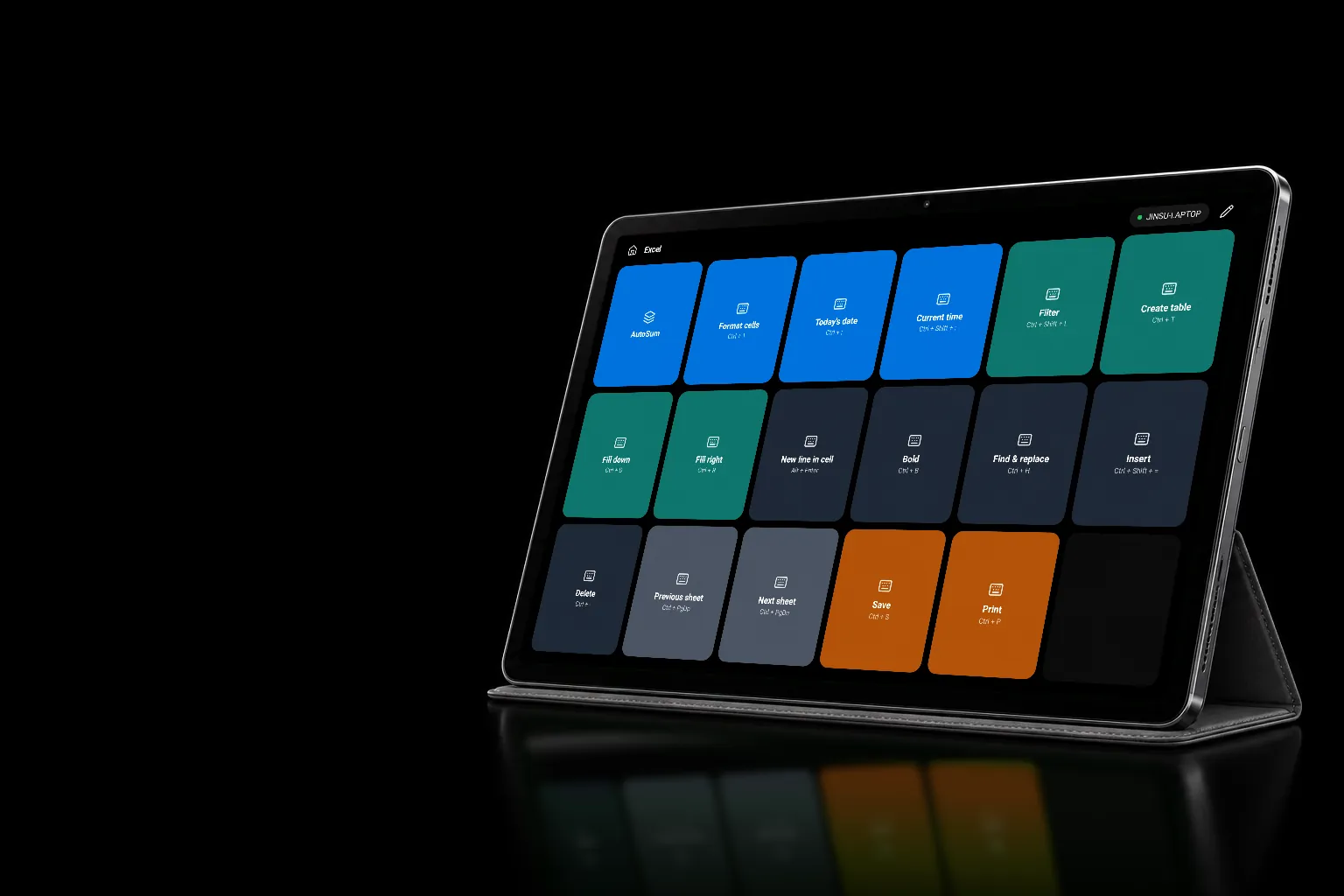
Pads for Photoshop · Premiere Pro · Excel · OBS included
Ctrl, Shift, Alt and Win combinations, F1 to F24, and media and volume keys, each on one button.
Typed exactly as written, emoji and new lines included. Good for greetings and addresses you type often.
Pick it from the programs installed on your PC. The button gets that program's icon from the PC.
Switch programs,
switch pads
Your profile follows the program
in front on the PC
Keep a separate pad for each job. Pick from 3 to 10 columns and 2 to 6 rows.
Add a program to a profile, and when that program's window comes to the front on the PC, the profile comes up.
All featuresChoose Photoshop (20), Premiere Pro (18), Excel (17) or OBS Studio (8) for a new profile and it comes filled with the default shortcuts.
All features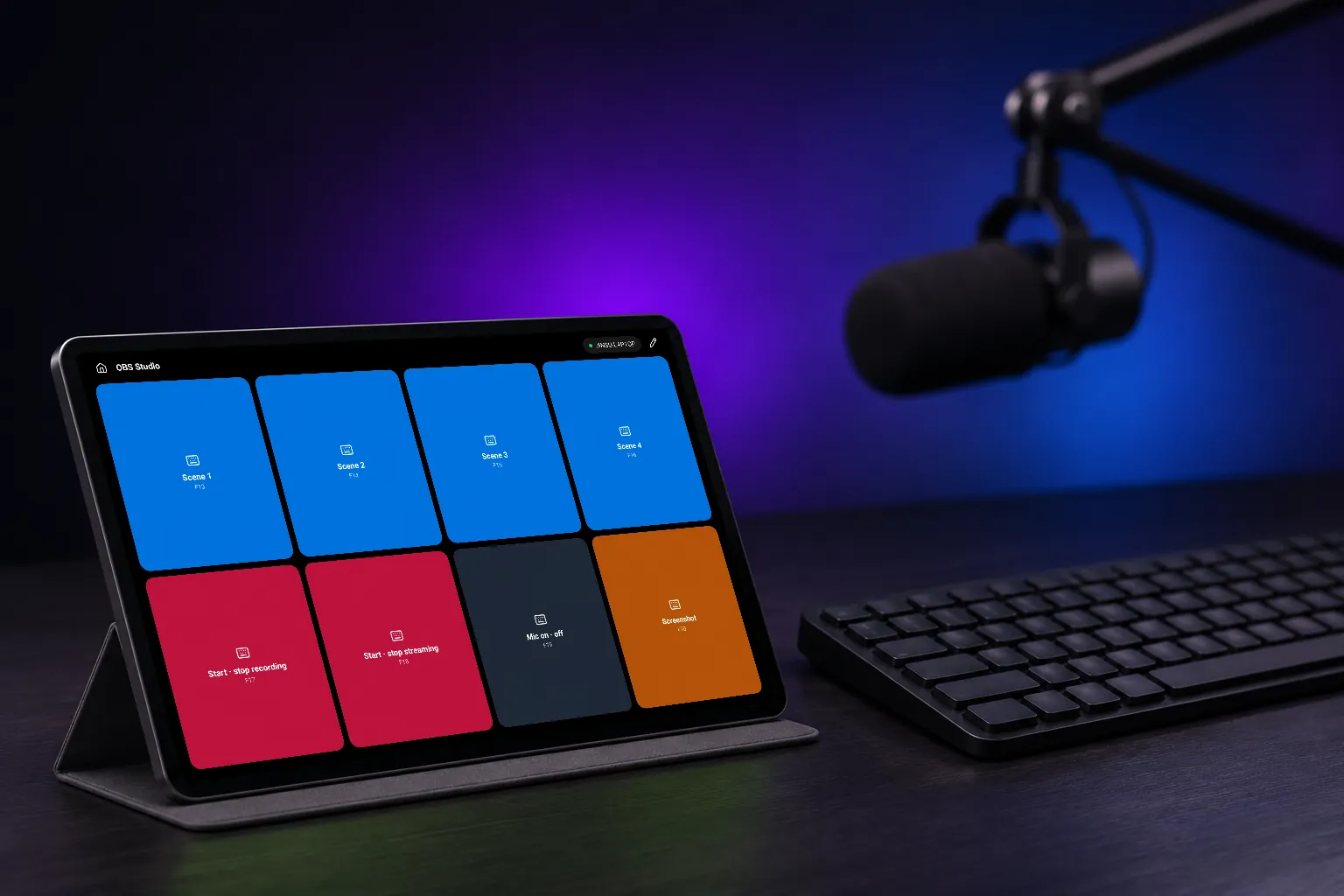
Stream scenes on buttons
Set OBS hotkeys to F13–F20 and they never clash with your keyboard
Shortcuts, waits, text and opening programs, one after another, on one button.
All featuresTap to go into another pad. Keep your phrases or stream scenes in one place.
All featuresSwipe the pad sideways to fit more buttons.
All features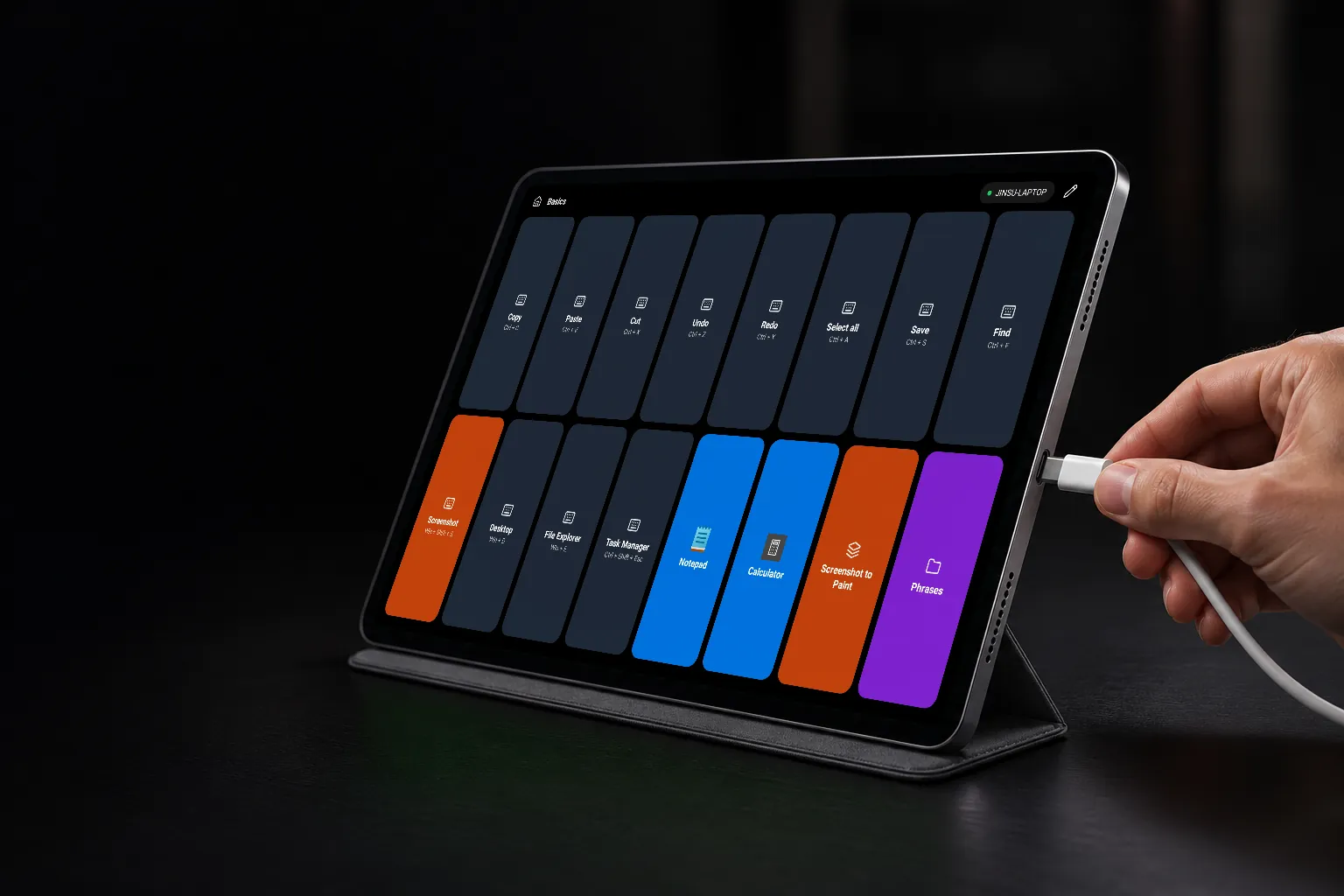
By cable
or by Wi-Fi
Plug in a USB cable, or
join the same router as the PC
Plug it in and the PC program turns the tablet into your pad and connects. Each PC installs a USB driver the first time.
On the same router, it connects without a cable. The first time, check that the PC and the tablet show the same number, then allow it.
If you have connected to that PC over Wi-Fi before, it carries on over Wi-Fi. Plug back in and it returns to the cable.
Get started
You only do this once. If a reply to your question says "see USB 3", it means this number.
PC
- 1Unzip it and run bypad.exeIt has no window; it sits as the Bypad icon in the notification area at the bottom right. It starts with Windows.
- 2If "Windows protected your PC" appears, select More info → Run anywayThe program isn't code-signed yet, so this appears once.
- 3If the firewall asks, select AllowIt's used for Wi-Fi. If you only use the USB cable, you can deny it.
Tablet
- 1Install Bypad from Google Play
- 2Turn on USB debuggingOnly needed for the USB cable. In Settings → About tablet → Software information, tap Build number 7 times to show Developer options. Then turn on Settings → Developer options → USB debugging.
Connect by USB
- 1Plug the tablet into the PC with a USB cable
- 2When the PC shows "A device is connected over USB", select Connect
- 3When it shows "The USB driver needs to be set up once", select Install → YesSetup takes a few minutes; a card at the bottom right of the PC screen shows the steps and the time so far. On the PCs we tested, it took 4 to 5 minutes from plugging in to connecting.
- 4When the tablet asks whether to open Bypad, tick 'Always' and tap OKThen the pad comes up. From then on, it connects as soon as you plug in.
Connect by Wi-Fi
- 1Put the tablet and the PC on the same router
- 2Tap your PC in the app's PC list
- 3When the PC shows "A tablet wants to connect", check the number and allow itAllow it only if it matches the number on the tablet. It won't ask again.
Free to start
Everything, with one payment
One profile, one page, and shortcut, text and open buttons.
FreeAdds multiple profiles, profiles that follow the program, unlimited pages, and combo and folder buttons.
One-time purchasePay once and keep it. It also unlocks on other tablets with the same Google account. No ads.
Help
I plugged in the cable and nothing happens for a while
The first time on each PC, installing the USB driver takes a few minutes (USB 3). A card at the bottom right of the PC screen shows how far it has got; keep the cable plugged in until it's done. Charge-only cables don't connect, so check that your USB-C cable carries data.
The app says "Turn on USB debugging"
The PC program uses USB debugging to switch the tablet into cable mode. Turn it on as in Tablet 2.
Buttons don't reach some windows
Windows keeps other programs' input away from windows running as administrator (Task Manager, for one). When that happens, the tablet tells you, with the window's name.
The Wi-Fi connection drops
Android stops an app's network traffic when the screen goes off or the app goes to the background. Open the app again and it reconnects by itself. While the pad is open, the screen stays on (you can change this in the app's settings).
I also use Byscreen or Cross
One cable serves one app at a time. Open Bypad on the tablet and tap the button that reads like 'Switch from Byscreen to Bypad' to bring the cable over.
My work PC asks for an administrator password
Installing the USB driver the first time needs administrator rights. Ask your IT team. Over Wi-Fi only, it doesn't ask.
I want to move my buttons to another tablet
On the app's profiles screen, tap 'Export to a file', then on the other tablet tap 'Import from a file' and choose that file.
I want to report a problem
Type %LOCALAPPDATA%\Bypad into File Explorer's address bar and email us the host.log file there. It records what happened.